An AI Personal Assistant That Reads With You
An AI personal assistant earns its place when it handles the reading and keeps every source. Try Aginsi's free tools on one of your own papers.

Six things a useful AI personal assistant gets right
Answers you can trace
Every point should lead back to a page, a quote or a timestamp. An answer you cannot verify is a rumour with good formatting.
Works on your files
The value sits in your own papers, reports and notes. An assistant that only chats from general knowledge cannot help with your corpus.
Keeps the caveats
A summary that drops limitations is worse than none. Look for tools that keep the claim and its qualifier together.
Plain privacy terms
Know where files live, how long they stay and whether they feed a model. Client and interview material demands a clear answer.
Output you can edit
The first pass is a draft. You must be able to fix a name, cut a line and export clean text without fighting the interface.
Honest about limits
Scanned pages, noisy audio and niche jargon lower accuracy for every tool. The good ones say so and price accordingly.
A short routine for putting an assistant to work
It works with almost any tool, free or paid. Start small and keep your own judgement in the loop.
-
1
Pick one task you repeat
Reading a paper, drafting minutes, tidying notes. One task, not a whole job. A narrow brief gives you a result you can actually judge.
-
2
Choose a source you know well
Test on a paper you have already read or a meeting you attended. You will spot a missing caveat or a wrong number immediately.
-
3
Read the output beside the original
Open the source next to the summary. Check names, figures and any sentence you plan to quote.
-
4
Keep the passages that matter
Highlighting is choosing. Keep five to ten lines with their page numbers and let the rest go.
-
5
File the result with its source
Store the note with a link to the original in your reference manager or notes app. A note without a home is lost within a month.
Turn a client's report into a briefing
An independent consultant receives a 60-page policy report on Monday and a call with the client on Tuesday. She does not need a chatty answer. She needs the findings, the figures behind them and the exact sentence the report uses about funding. An AI personal assistant gives her a first pass in seconds, and she spends her evening on the part that needs judgement: confirming that the briefing says what the report actually says. Paste your own notes or a transcript into the meeting minutes generator and compare the result with your memory of the call.
- Findings and open questions kept visible
- Figures stay attached to their context
- Quotes you can check against the original

Get through a literature review without losing the thread
A doctoral student reads forty papers in a term, and the notes end up in five different places. An AI personal assistant earns its keep when it condenses each paper and keeps the reference attached, so the thread between them survives. Start with one paper you already know. Run it through the PDF summarizer and check the extracted sentences against your own reading. If the tool keeps the claim, the method and the limitation, it is doing the job. If it flattens the caveats, you have your answer.
- Key sentences extracted from the original text
- Limitations kept next to the findings
- A quick test before committing to a subscription
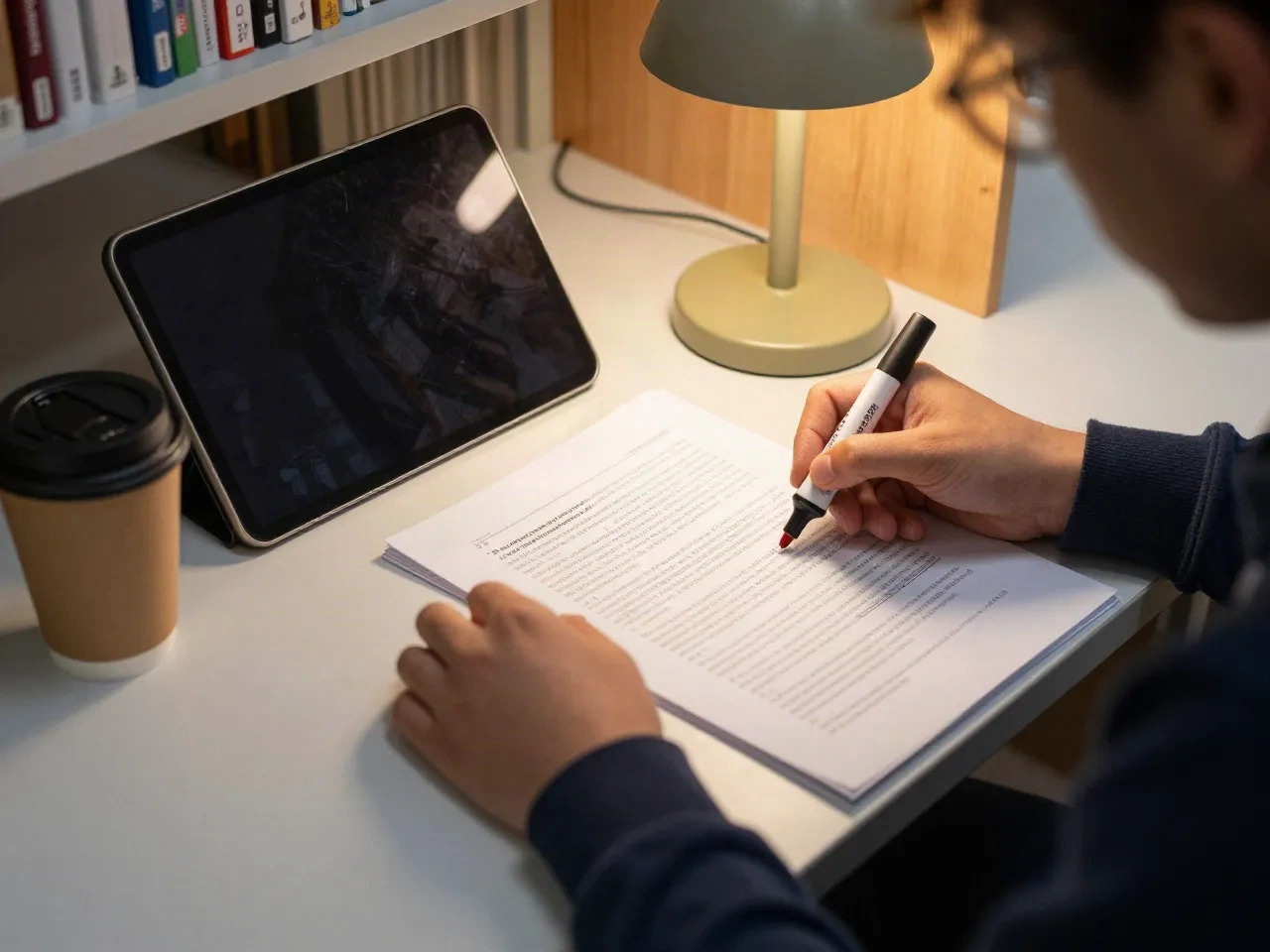
Three kinds of AI personal assistant, compared
General patterns, not a ranking of brands. Check each tool's current terms before you decide.
| Criterion | General chat assistant | Calendar and inbox assistant | Document-focused assistant |
|---|---|---|---|
| What it works on | Whatever you type in | Your email, calendar and tasks | Papers, reports and transcripts you add |
| Best for | Brainstorming and quick questions | Scheduling and routine admin | Reading, summarizing and extracting |
| Source tracing | Rarely offered | Not the point | Page or sentence references |
| Main weakness | Confident answers without a source | Needs broad access to your accounts | Cannot read what you never saved |
| Privacy question to ask | Is my input kept or used for training? | Who can see my messages? | Where are uploaded files stored and for how long? |
Common questions
What is an AI personal assistant?
Can an AI personal assistant replace a human assistant?
What should I ask an AI personal assistant to do first?
Is it safe to give an AI personal assistant confidential documents?
How accurate are the summaries an AI personal assistant produces?
Do I need a paid plan to get value from an AI personal assistant?
What is the difference between a chatbot and an AI personal assistant?
Test an assistant on your own paper
Free in the browser, no account needed. Run one document through it and judge the result against what you know.