An AI Transcription App Built for Readers
TicNote turns interviews, meetings and lectures into searchable, citable text, so the material you hear gets the same treatment as the material you read.
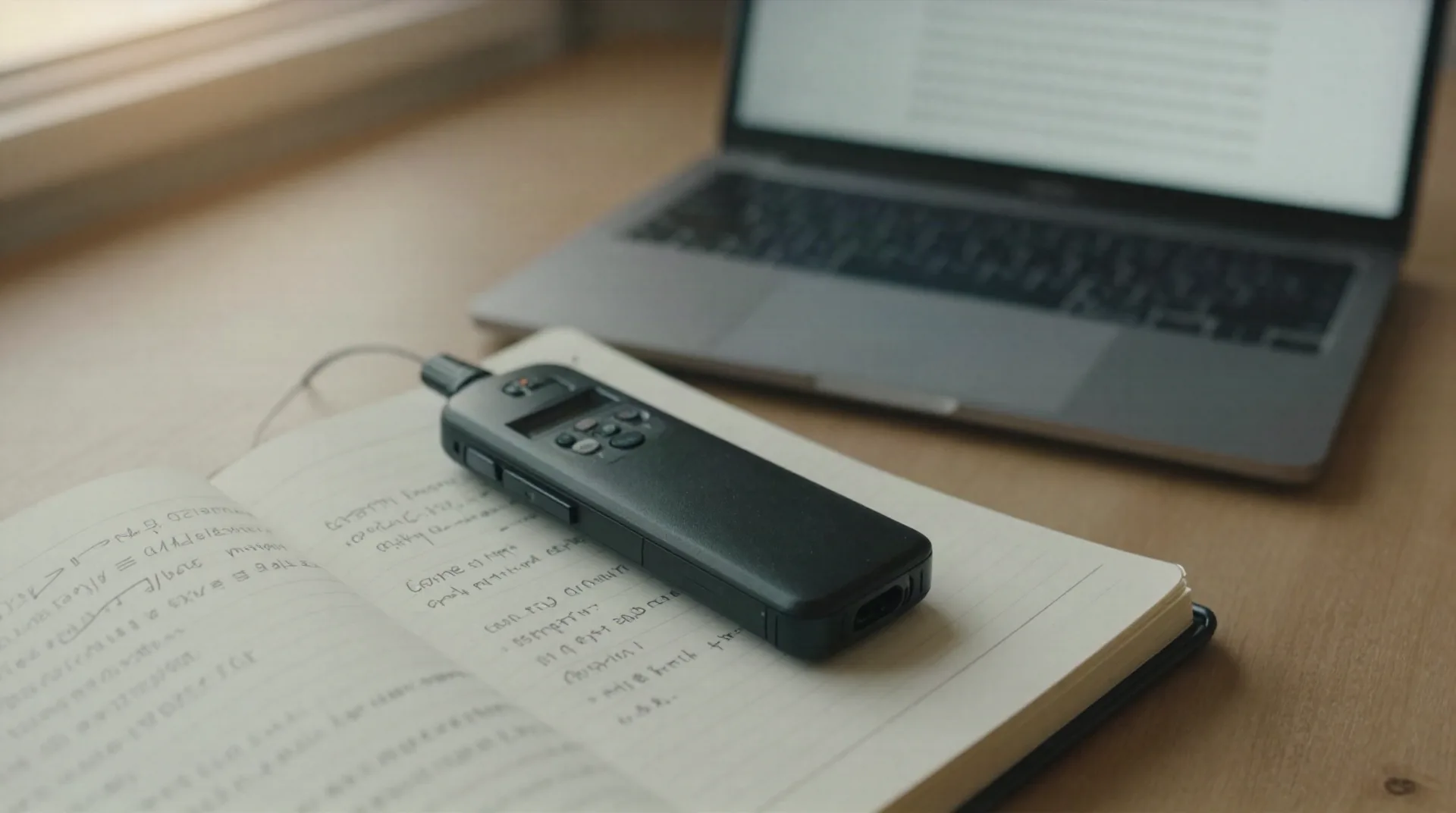
The problem isn't recording. It's what happens after.
Most transcription tools stop at a wall of text. TicNote treats the transcript as a source, the same way a PDF or a dataset is a source.
120-language transcription
Chrome extension captures Google Meet, Teams and Zoom directly, no bot joins the call, no scheduling friction.
One project, every source
Meetings, PDFs and YouTube videos sit in the same workspace, so an interview and its background reading stay linked.
Claims that point back
Every generated line links to the exact moment in the source. You can check it before you cite it.
Real files, not just text
Shadow Agent turns a project into an actual report, slide deck or dashboard, not another chat reply to copy out.
300 free minutes a month
Enough to try it on a real interview or a full committee meeting before deciding whether to pay.
Built for source-heavy work
Aimed at people who attend meetings and need structured output afterward, not casual note-taking.
From recording to something you can cite
Three steps, no bot invited to the call.
-
1
Record or import
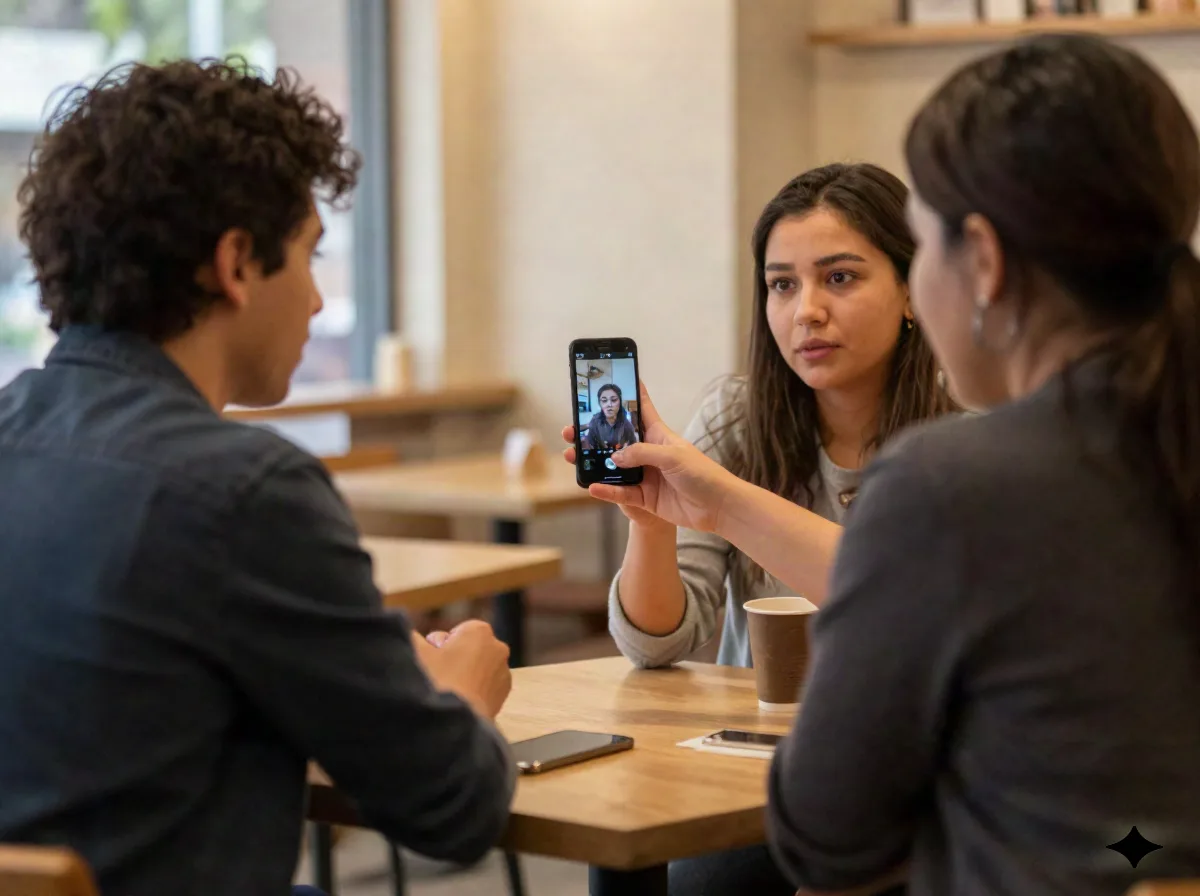
Capture a live meeting through the Chrome extension, or drop in an existing recording, a PDF or a YouTube link.
-
2
Let it transcribe and organize
TicNote transcribes the audio and files it alongside your other sources in the same project, ready to search.
-
3
Generate the deliverable
Ask Shadow Agent for a summary, a report or a slide deck built from the sources in that project, each claim traceable to its origin.
The interview is a source too
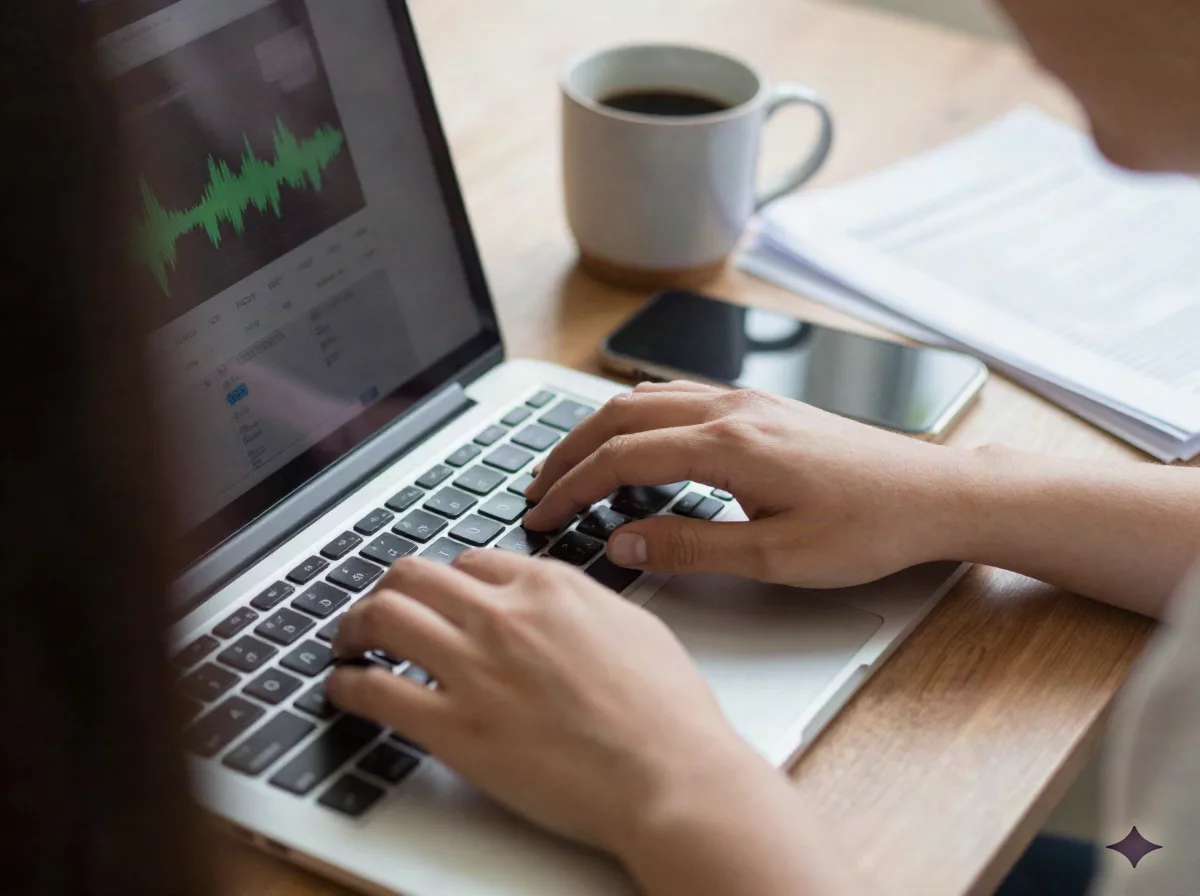
A researcher reading forty papers a week eventually runs into the part of the work that never arrives as text: the interview, the committee meeting, the recorded lecture. Reading efficiently means nothing if half the material is still trapped in an audio file. This is the gap TicNote is built to close, and it's a different job from summarizing a document you've already got in writing.
- Journalists: turn a recorded interview into a searchable transcript before writing the piece
- Consultants: capture a client call and keep it linked to the reports it informed
- Researchers: transcribe a focus group or oral interview without re-typing it by hand
TicNote vs. a transcription-only tool vs. plain notes
Sourced from TicNote's own product description, not a lab test. Verify before you cite it in your own comparison work.
| Feature | TicNote | Otter.ai | Plain notes |
|---|---|---|---|
| Transcribes meetings, calls and audio | Yes | Yes | No |
| Organizes PDFs and video as sources in the same project | Yes | No | No |
| Generates a finished report, slide deck or dashboard | Yes, via Shadow Agent | No | No |
| No meeting bot required to join the call | Yes, Chrome extension | No | N/A |
| Free tier | 300 min/month | Limited | Free |
What TicNote actually costs
Two tiers. The free one is enough to test it on a real recording.
Free
300 minutes of transcription a month
- 120-language transcription
- Meetings, PDFs and YouTube as sources
- Standard project workspace
Pro
Starting price, unlimited transcription
- Unlimited transcription minutes
- Shadow Agent deliverables (reports, slides, dashboards)
- Source-linked citations
- Priority processing
Common questions
Is this an AI transcription app or something more?
Does TicNote need a bot to join my meeting?
How much can I transcribe for free?
Can I trust the transcript enough to quote from it?
Does it replace a tool like Aginsi for summarizing my reading?
What can it produce besides a plain transcript?
Who is this actually built for?
What languages does the transcription support?
Test it on your next recording
300 free minutes a month, no credit card required to start.