The AI Note-Taking App for Serious Readers
aginsi is the AI note taking app free of subscriptions and meeting bots, built to turn dense reading into notes you can actually cite.
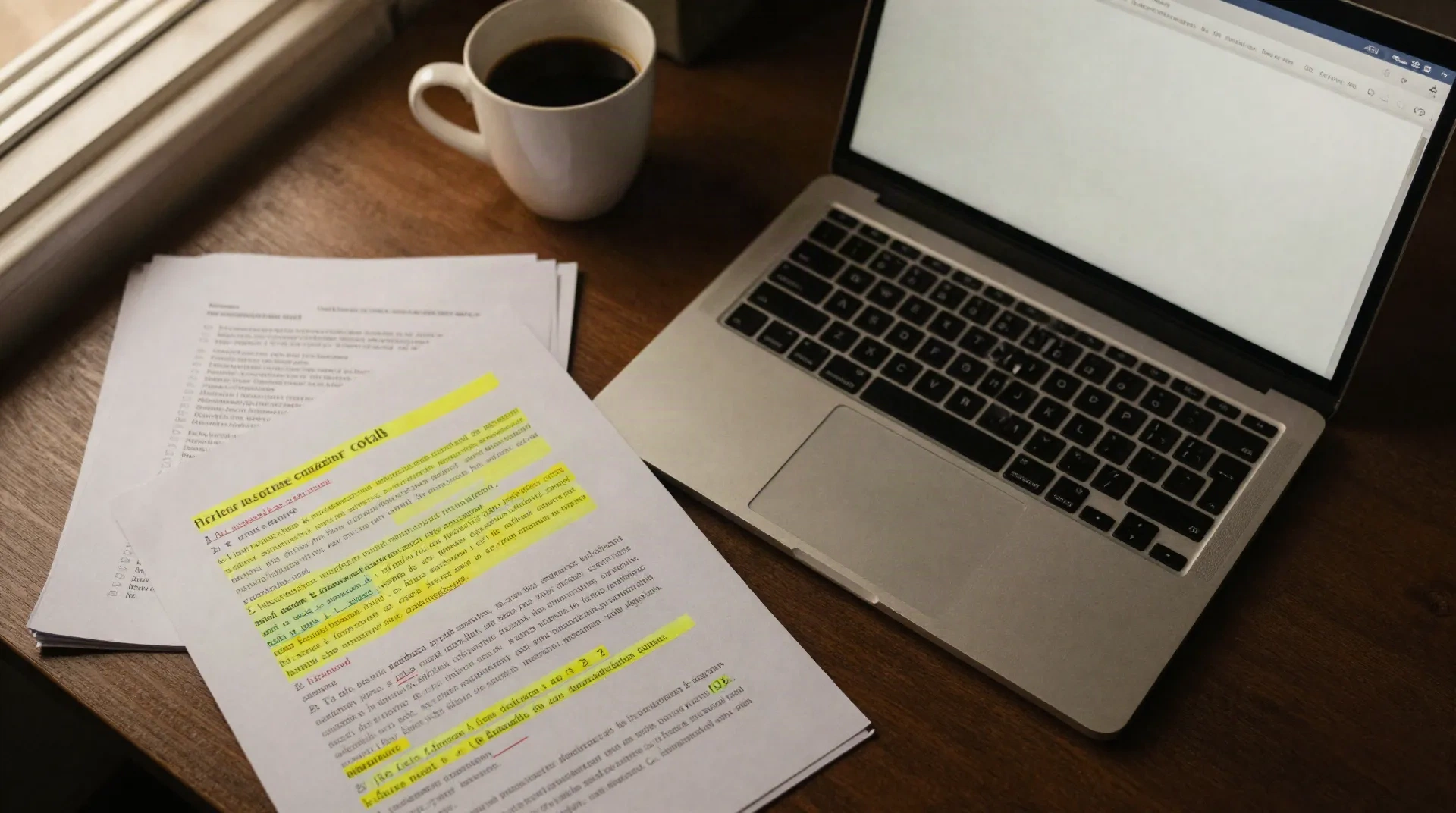
Built to take notes from documents, not calls
Every feature starts from the same problem: too much to read, and no time to trust a summary you can't verify.
Citation-locked notes
Every note keeps a live link back to the exact page and paragraph it came from, so you can check a claim in seconds.
PDF and paper ingestion
Drop in a PDF, a long report or a pasted article. aginsi reads the structure, not just the words, before it distills.
Highlight, don't retype
Mark what matters as you read. aginsi turns highlights into structured notes automatically, with nothing to retype.
Searchable note library
Distilled notes land in one searchable library, tagged by source, topic and date, instead of scattered across folders.
Digest for long reading lists
Feed it ten papers before a deadline and get one ranked digest of what actually matters across all of them.
No meeting required
Nothing to record, no bot to invite. aginsi works entirely from the documents you already have open.
From PDF to usable notes in three steps
No setup, no bot invited to anything, no formatting to clean up first.
-
1
Upload or paste
Drop in a PDF, a long report, or paste in an article straight from your browser.
-
2
aginsi reads and tags
The model extracts the substance, keeps every citation attached to its source, and flags what looks uncertain.
-
3
Review and export
Skim the structured notes, adjust what needs adjusting, then search them later or export them out.
Clear a 40-paper reading list before Friday
A PhD candidate preparing a literature review doesn't need ten more browser tabs. She needs the same three questions answered across forty papers: what method, what finding, what limitation. Most surveyed academics report reading around 20 papers a month, well under what a serious review demands in a single week. aginsi answers all three questions per paper, with the citation attached, so the review still holds up when a supervisor asks where a claim came from.
- Method, finding and limitation per paper
- Citations stay attached to every claim
- Digest ranked by relevance to your topic
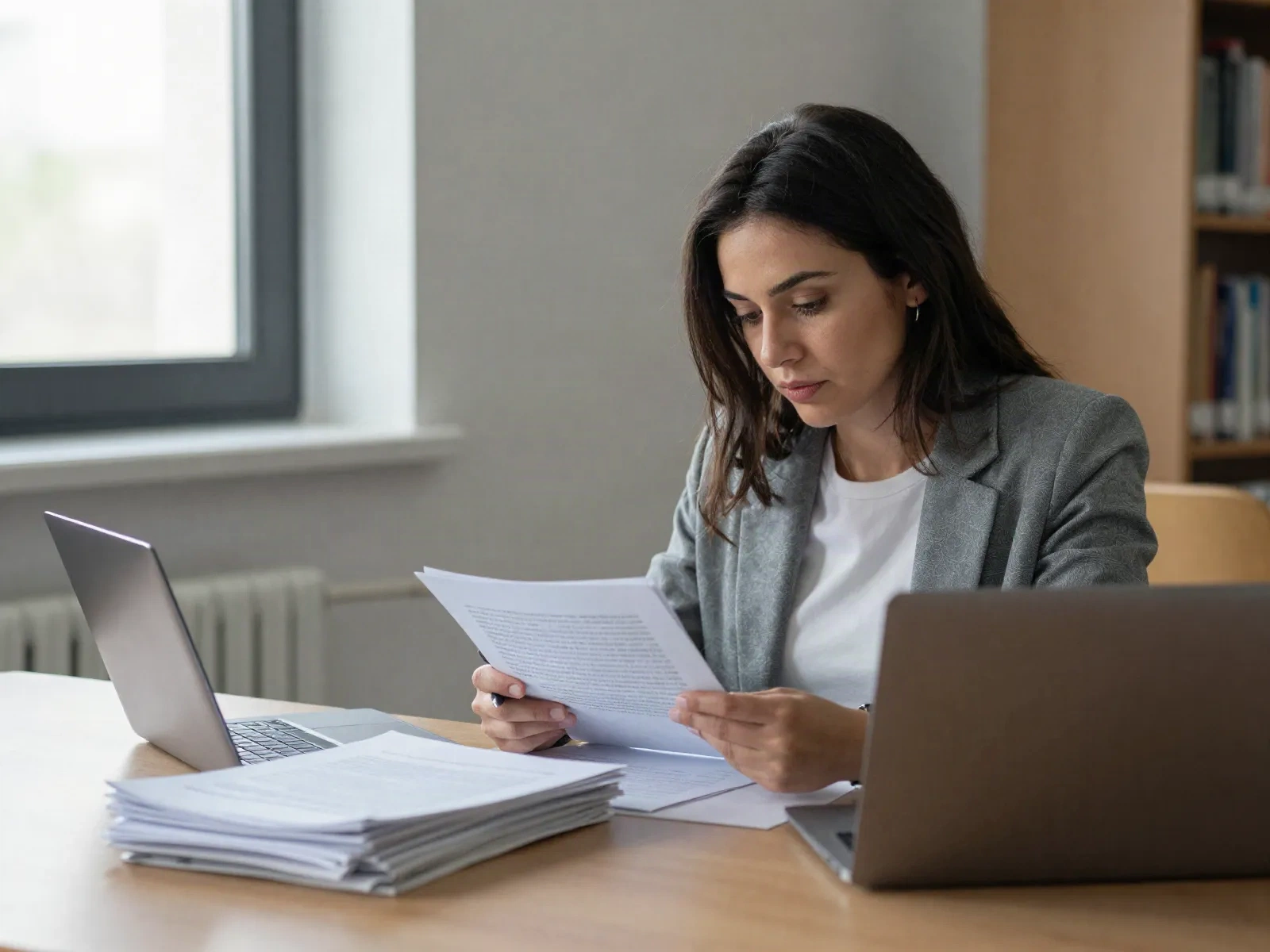
Turn a stack of reports into a briefing note
A consultant preparing a client briefing is usually working from five PDFs, two of which quietly contradict each other. aginsi surfaces where the sources agree, where they diverge, and which one is more recent, so the briefing note reflects the reading instead of a guess at what it probably said. Nothing here depends on attending a call: the source material is already written.
- Cross-document comparison, not just summary
- Contradictions and gaps flagged, not hidden
- Notes export straight into a working document
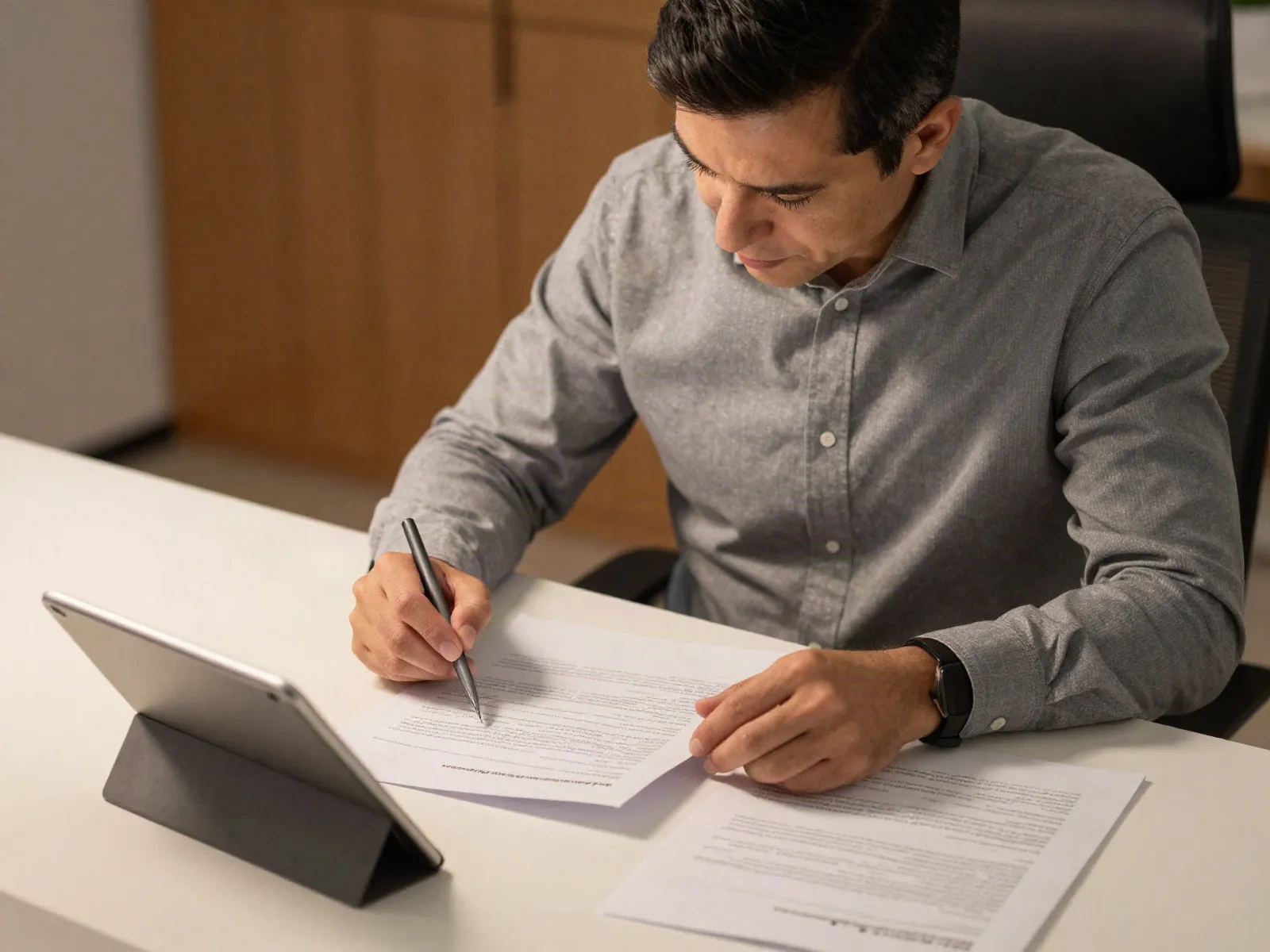
Where aginsi actually fits
Not every AI note taking app solves the same problem. Here is the honest breakdown.
| Feature | aginsi | Meeting notetakers | General note apps |
|---|---|---|---|
| Input | PDFs, papers, reports | Live audio from calls | Whatever you type |
| Citation back-links | Yes, to source page | No | Rarely |
| Needs a meeting bot | No | Usually, yes | No |
| Cross-document digest | Yes | No | No |
| Free tier | Yes | Usually, capped minutes | Yes, capped storage |
Common questions
Is aginsi actually a free AI note taking app, or is that just a trial?
How is this different from an AI meeting note taker like Otter or Fireflies?
Can it read scanned PDFs and non-English source documents?
How does it avoid inventing citations, since general AI models do that a lot?
Does it replace reading the paper, or just speed it up?
What happens to the documents I upload?
Can I use it for a systematic literature review, or is it too casual for that?
Stop losing an hour to every 40-page report
Start free. Upload your first document and see the notes before you decide whether to keep going.