How to Record Lectures and Extract What Actually Matters
Summary
Recording lectures is a solved problem. Otter.ai, Fireflies and tl;dv will capture a 90-minute seminar without you lifting a finger. What most researchers miss is the hour after class: reviewing, segmenting and running a summarization pass before the content fades. This guide covers which tools handle the capture well, how to structure the post-recording process, and when AI summarization outperforms manual note-taking for complex academic material.
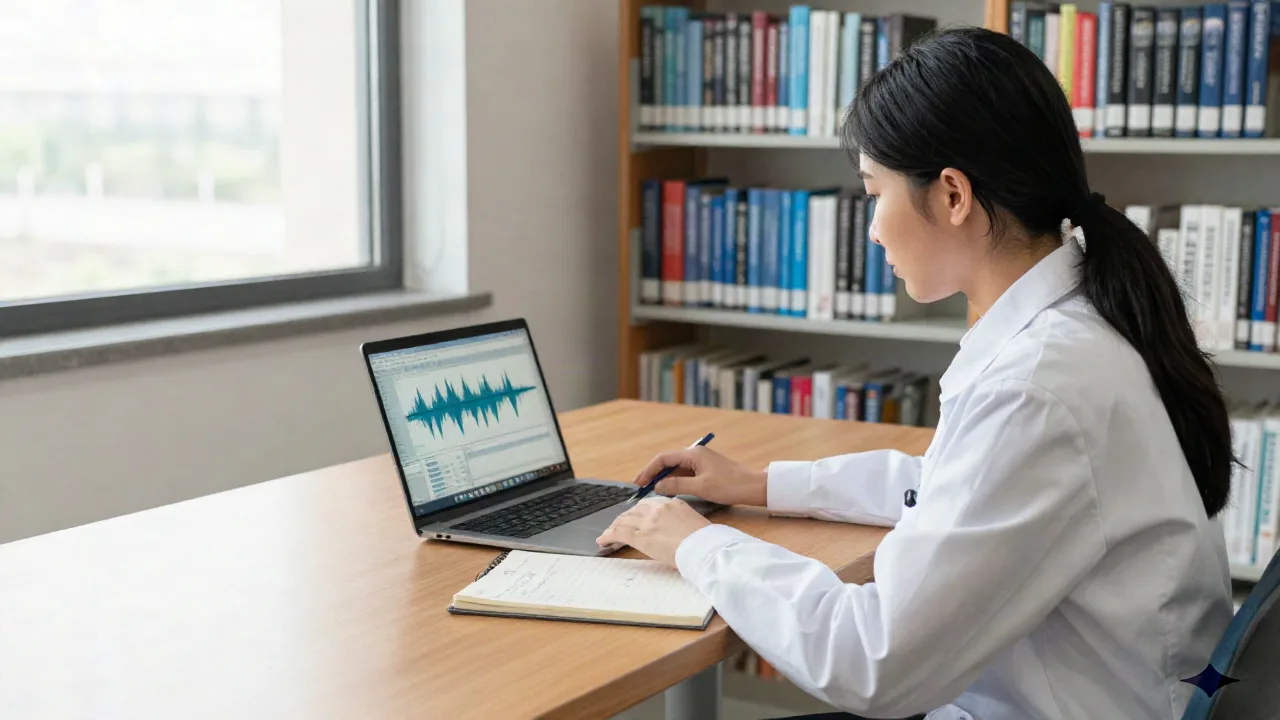
When you decide to record lectures, you inherit a second problem alongside the first: what to do with everything you capture. Three weeks ago, a visiting professor outlined an unpublished methodology in a graduate seminar. The audio is on your drive. You have not opened it since. This is the common shape of the problem: not capturing, but recovering.
That pattern repeats across disciplines. A legal scholar records a three-hour arbitration seminar and loses the citation to a 2019 decision she knew mattered. A molecular biology postdoc records a methods workshop and forgets, two months later, the specific protocol deviation the instructor flagged. The recording exists. The knowledge it carried does not.
The tools available in 2026 are good enough that the choice of recorder matters less than the habit around it. What most guides skip is the second half of the equation: the 48-hour window after a lecture closes where a recording either becomes a working document or a dusty archive. This guide focuses on that second half.
Recording is not your bottleneck
The apps that handle lecture capture are mature. Otter.ai has been transcribing in real time since 2016. tl;dv and Fireflies have refined meeting capture into a near-invisible background process. On a phone with a decent microphone placed close to the speaker, any of them will produce a readable transcript of a 90-minute lecture inside five minutes of class ending.
What the transcript does not do: it does not compress a theoretical argument down to three claims you can cite. It does not flag the moment the professor corrected a prior assumption. It does not tell you which passage connects to the chapter you read last Tuesday. That extraction is still yours to perform, or to assign to a synthesis tool.
The practical question is not which recorder is best. It is what happens to the recording by end of day.
What makes a recording retrievable six months later
At the two-week mark, a raw transcript without structure is nearly as opaque as the audio itself. Three properties determine whether a recording remains accessible over time.
First, speaker segmentation: knowing which voice belongs to the lecturer and which to a student question. Tools differ substantially here, and in a large lecture hall the distinction matters for locating argument versus example.
Second, timestamped search: the ability to locate a specific concept without scrubbing through audio manually. This is where institutional platforms like Panopto hold a genuine advantage. Panopto indexes every spoken word through automatic speech recognition, which is how the University of Washington built a searchable library of more than 60,000 hours of academic content. That capability does not exist in personal tools.
Third, summary anchors: brief, positioned annotations that provide context to each section without requiring a full re-read. These can be generated automatically or added manually, but they need to exist at the section level, not just as a single summary at the top of the file.
For most researchers working outside a managed institutional system, the practical substitute is a consistent naming and annotation routine applied within 24 hours of each recording.
The tools that handle capture well
No single tool closes the gap between capture and usable knowledge. A clear-eyed comparison:
Otter.ai transcribes in real time and integrates with Zoom and Google Meet. Its free tier offers 300 minutes per month, which is sufficient for a moderate course load. Speaker identification works reasonably well in small seminars and deteriorates in large lecture halls with reverberant acoustics. Researchers working with sensitive or unpublished material should check the service's data retention policy carefully before committing.
Fireflies AI adds a recording participant to your calendar invitation, captures automatically, and produces a searchable transcript with chapter markers derived from topic shifts. It is stronger on meeting capture than on pure lecture recording, because its speaker model assumes a distributed conversation rather than a single dominant voice.
tl;dv is best suited to recorded video calls rather than in-person lectures. Its highlight-and-clip interface lets you extract specific segments with timestamps, which is a useful capability for researchers reviewing recorded interviews or multi-speaker seminars where a single passage needs to be shared with a collaborator.
The limitation all three share: they produce transcripts, not synthesis. A 90-minute lecture compressed into a 90-minute transcript is still a long document.
The 24-hour processing window
At the reading, one retains two things. That was true before AI and remains true after. The brain consolidates new information during the first sleep cycle following exposure. This observation suggests that the post-recording process matters most in the hours immediately after a lecture, not three weeks later when you finally open the file.
A workable routine involves three steps, none of which requires more than twenty minutes:
Skim the auto-generated transcript for errors in proper nouns and technical terms. These are the points where speech recognition fails most predictably, and an error in a researcher's name or a methodology label will corrupt later searches.
Add three to five sentence-level annotations in the document: one for the central claim, one for any cited source that needs locating, one for any point of contention raised in discussion.
Run a summarization pass over the full transcript.
That third step is where a dedicated synthesis tool earns its place. A transcript of a dense epistemology lecture compresses differently from a transcript of a seminar discussion. The compression should surface argument structure, not just topic labels.
The failure case is predictable. A researcher who skips the immediate processing window and returns to a recording at the three-week mark faces a transcript stripped of its original context. The theoretical point that seemed central during class is embedded in thousands of words of untagged text. The name the speech recognition engine misspelled returns nothing in search. What should be a ten-minute review becomes a long reconstruction, usually incomplete.
Privacy and consent: the question most tools skip
Graduate seminars often include discussion of unpublished sources, pre-publication findings from visiting speakers, and interpretations that participants would not want attributed in print. When that content passes through a third-party transcription service, it lands on a remote server. The researcher bears the responsibility of understanding what the service does with it.
Three questions are worth answering before settling on a tool:
Where are transcripts stored, and for how long after the account closes?
Can the user delete individual transcripts on request, or only bulk-delete the account?
Does the service use transcribed content to train its models?
Otter.ai has faced documented legal challenges over data handling. Fireflies states that enterprise accounts exclude content from model training; standard accounts have a different policy. tl;dv stores data in EU infrastructure by default, which matters for researchers operating under GDPR constraints or institutional data governance requirements.
None of this is a reason to avoid recording. It is a reason to make an informed choice, and to tell seminar participants that a recording is in progress. That second point is both an ethical obligation and, in many jurisdictions, a legal one.
When AI summarization changes what you keep
The problem is not quantity. It is the absence of a filter at the point of ingestion.
A transcript runs to roughly 10,000 words per lecture hour. Across a semester of weekly seminars, that produces 150,000 words stored in a format designed for sequential reading. No researcher reads their lecture archive sequentially. The document is only useful when it can be queried.
Summarization applied immediately after capture produces something different from summarization applied cold, three weeks after the seminar. The researcher who still has the lecture in working memory can verify whether the model's compression reflects what was actually argued, and correct it where it does not. That correction takes a few minutes. Applied consistently, it is the difference between an archive of summaries that can be trusted and one that cannot.
This matters most for technically complex material. A generic summary of a lecture on causal inference will produce plausible-sounding sentences that may not capture the specific claim the speaker made. Cross-referencing the summary against the relevant transcript segment is a ten-minute step that determines whether the output is usable for citation or only for orientation.
What a working lecture archive actually looks like
A lecture archive that remains useful eighteen months after a seminar has four properties: consistent naming conventions, a transcript that has been corrected once for proper nouns and technical terms, at least one anchor summary per session, and a search mechanism that returns results at the concept level rather than the keyword level.
Building this does not require new tools or a new system. It requires a process applied consistently enough to become infrastructure rather than overhead. The recordings that stay useful are not the ones captured with the most sophisticated equipment. They are the ones where someone spent twenty minutes with the transcript on the day it was made.
Highlighting is choosing. Choosing is understanding. The capture is only the beginning of the work.