Otter AI Alternatives for Interviews and Lectures (2026)
Summary
Looking for otter ai alternatives that work for interviews, lectures, and field notes rather than scheduled sales calls? We compared TicNote, Granola, Krisp, tl;dv, and Read AI on price, capture method, in-person support, language coverage, and what each hands you afterward. TicNote takes the pick for turning recordings into sourced documents, while each rival wins a narrower job. Prices and limits come from vendor pages checked in October 2026.
Otter AI alternatives are easiest to choose when you start from the situation, not the feature list. For interviews, lectures, and field notes, TicNote is our pick: recorders for the room, a no-bot extension for calls, and sourced reports afterward. Granola wins for people who type their own notes, Krisp for poor audio, tl;dv for a free searchable archive, and Read AI for work spread across email and chat. Otter itself still suits live captions of scheduled calls.
Why this list starts from use cases
Anyone searching for otter ai alternatives in 2026 has usually hit one of three walls: the 30-minute cap per meeting on the free plan, a transcript that never turns into anything usable, or discomfort with a recording bot joining a sensitive conversation. Our earlier comparison on this site already covered the cost and call-analytics side of the market. This one asks a narrower question: which tool fits a given working situation?
Four of the five tools here are new to that earlier list; TicNote returns because its recorders and sourced reports matter for this scenario. We announce the criteria up front so you can weigh them yourself. They are price, capture method, in-person support, language coverage, searching across sessions, and what you receive at the end. Each section below ties a tool to one scenario where it earns its place.
Interviews and field recordings: TicNote
Qualitative research has an awkward shape. The conversation happens in a cafe, a classroom, or a corridor, then the real work begins weeks later, when you try to find which participant said what. TicNote is the only tool here that treats that whole chain as one product. The pocket recorder, watch, and earbud-style pods capture the room, and each device ships with 600 free transcription minutes a month. For remote calls the Chrome extension records without inviting a bot.
The more interesting part is what happens next. A TicNote project can hold an interview, a PDF, and a YouTube talk as one set of sources, and its Shadow Agent produces reports, slides, or dashboards from that set. Web exports reach Notion and Obsidian, which matters if your notes already live there. The limits are real: the free plan caps a web recording at 30 minutes and gives 300 minutes a month, and independent reviews remain thin. We are recommending it on documented capability, and we say so on the card.
Typing your own notes: Granola
Some people think better while typing. Granola is built for them. It listens to your computer audio in the background while you jot rough fragments, then merges your shorthand with the transcript into a clean note in your own voice. No bot joins the call, and audio is deleted after transcription, which is a calm answer to the privacy question.
Its G2 rating is 4.7, though from a small base of roughly three dozen reviews at the time we checked. The trade-offs are practical. The free Basic plan keeps only 30 days of history, integrations with Notion, HubSpot, and similar tools start at the $14 Business tier, and there is no stored audio to replay. If a quote must be verified against a recording, that last point matters. For a consultant who writes while listening, it hardly does.
Poor audio and in-person talk: Krisp
A transcript is only as good as the sound feeding it. Krisp started as noise cancellation and added a note-taker on top, so every plan begins from cleaner audio. The note-taker is bot-free, covers online and in-person meetings from the Core plan at $8 per user per month billed annually, and the Advanced plan adds private on-device transcription for sensitive material.
Two cautions. Krisp offers a 7-day trial on its pricing page rather than a lasting free plan, and its transcripts and summaries cover 16+ languages. A multilingual research team will find that narrower than TicNote's 120. For one person recording in noisy offices or open-plan cafes, though, the noise layer is the point.
A free archive for a small team: tl;dv
Some research groups mainly need one searchable place for every call. tl;dv's free plan includes unlimited recordings and transcription in 30+ languages, and its homepage now advertises capture with no bot required. Its G2 score is 4.7 across 450 reviews, the largest sample in this group.
The detail to read before committing is the cross-meeting search. Free and Pro both allow five queries across multiple meetings, and unlimited queries sit on the Business tier. AI notes are also limited on the free plan, with unlimited notes starting at $18 on Pro. For a team asking questions across a dozen interviews, that ceiling arrives quickly.
Work spread across inboxes: Read AI
Read AI sells a different idea. Its summaries pull context from your email and calendar, and its search reaches across meetings, email, and chat, with connectors for Claude, ChatGPT, and MCP. The free plan gives 5 meeting transcripts a month and 20+ languages. Paid plans start at $15 per month billed annually.
It is the heaviest tool on the list and the lowest rated on G2, at 4.0 from 43 reviews. Engagement and sentiment metrics suit workshop facilitation, but they can feel intrusive in a small, informal interview. We would pick it for a project manager, not for a researcher recording a sensitive conversation.
Recording consent still applies
Bot-free does not mean consent-free. A tool that listens to your device audio still records other people, and many jurisdictions require every participant to agree. Tell interviewees before you press record, store audio according to your ethics protocol, and check the retention settings of whichever tool you choose. Granola deletes audio after transcription, Krisp's Advanced plan can keep transcription on-device, and TicNote lets you manage recordings inside each project, so check what stays on its servers.
How to choose without overthinking
Start with where the conversation happens. If it happens in a room, test a recorder-based tool such as TicNote or the in-person mode of Krisp. If it happens on Zoom and you type well, try Granola. If your team needs one shared archive, tl;dv's free plan costs nothing to test. Run one real recording through your shortlist before paying, because the differences show up in your own material, not in feature tables.
One last observation from reading these pricing pages: the lowest advertised price is rarely the one you end up paying, since the limits that matter (history, search queries, meeting length) sit one tier above. Read the comparison table above with that in mind.
At-a-glance
| TicNote | Granola | Krisp | tl;dv | Read AI | |
|---|---|---|---|---|---|
| Starting price | Free (300 min/mo); Pro and Business tiers priced at sign-up | Free (30-day history); Business $14/user/mo | 7-day free trial; Core $8/user/mo billed annually ($16 monthly) | Free; Pro $18/user/mo | Free (5 meetings/mo); Pro $15/mo billed annually ($19.75 monthly) |
| How it captures the call | Chrome extension for calls (no bot) plus dedicated recorders | Device audio on your computer, no bot | On-device capture, bot-free | Homepage advertises "no bot required" on Zoom, Meet, and Teams | Read assistant joins Zoom, Teams, or Meet meetings |
| In-person conversations | Watch, pocket recorder, and earbud-style pods, each with 600 free minutes a month | iOS, Android, and Apple Watch apps, no dedicated hardware | In-person meeting notes included from the Core plan | Built around online calls | Mobile and desktop apps, centred on calls |
| Language coverage | 120+ languages | Multi-language support on every plan | Transcripts and summaries in 16+ languages | Transcription in 30+ languages on the free plan | 20+ languages |
| Searching across past sessions | Projects hold meetings, PDFs, and YouTube videos as one set of sources | AI chat across meetings; free plan keeps 30 days, Business is unlimited | Per-meeting transcript, notes, and action items | Five multi-meeting queries on Free and Pro, unlimited on Business | Unlimited enterprise search on the free plan, across email, chat, and meetings |
| What you walk away with | Transcript and mind map, then reports, slides, or dashboards; export to Notion and Obsidian | Your typed jottings merged with the transcript into a structured note | Transcript, AI notes, and action items, with noise cancellation built in | Meeting notes and action items pushed to Slack, Notion, or HubSpot | Summary, action items, topics, and engagement metrics |
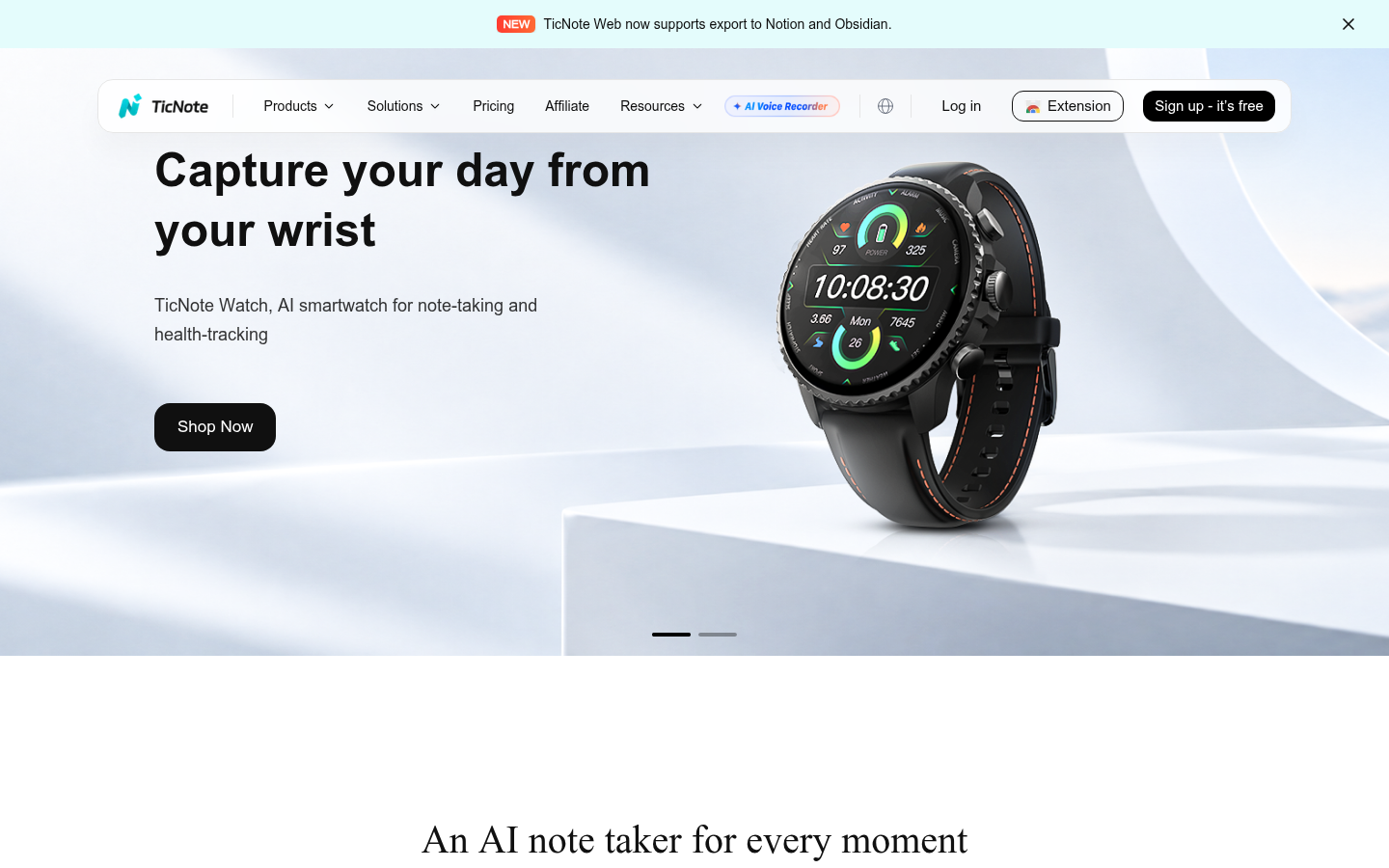
TicNote
- Pocket recorder, watch, and pods cover rooms where no laptop is open, each with 600 free monthly minutes
- A project holds an interview, a PDF, and a YouTube talk as one set of sources
- Chrome extension captures calls without inviting a bot, and Web exports reach Notion and Obsidian
- Free plan caps a web recording at 30 minutes and gives 300 minutes a month, which a heavy interview schedule burns fast
- Independent review history is thin, so the score here rests on documented features, not on a large rating base
The pick when the deliverable is a report with traceable claims, not just a clean note.
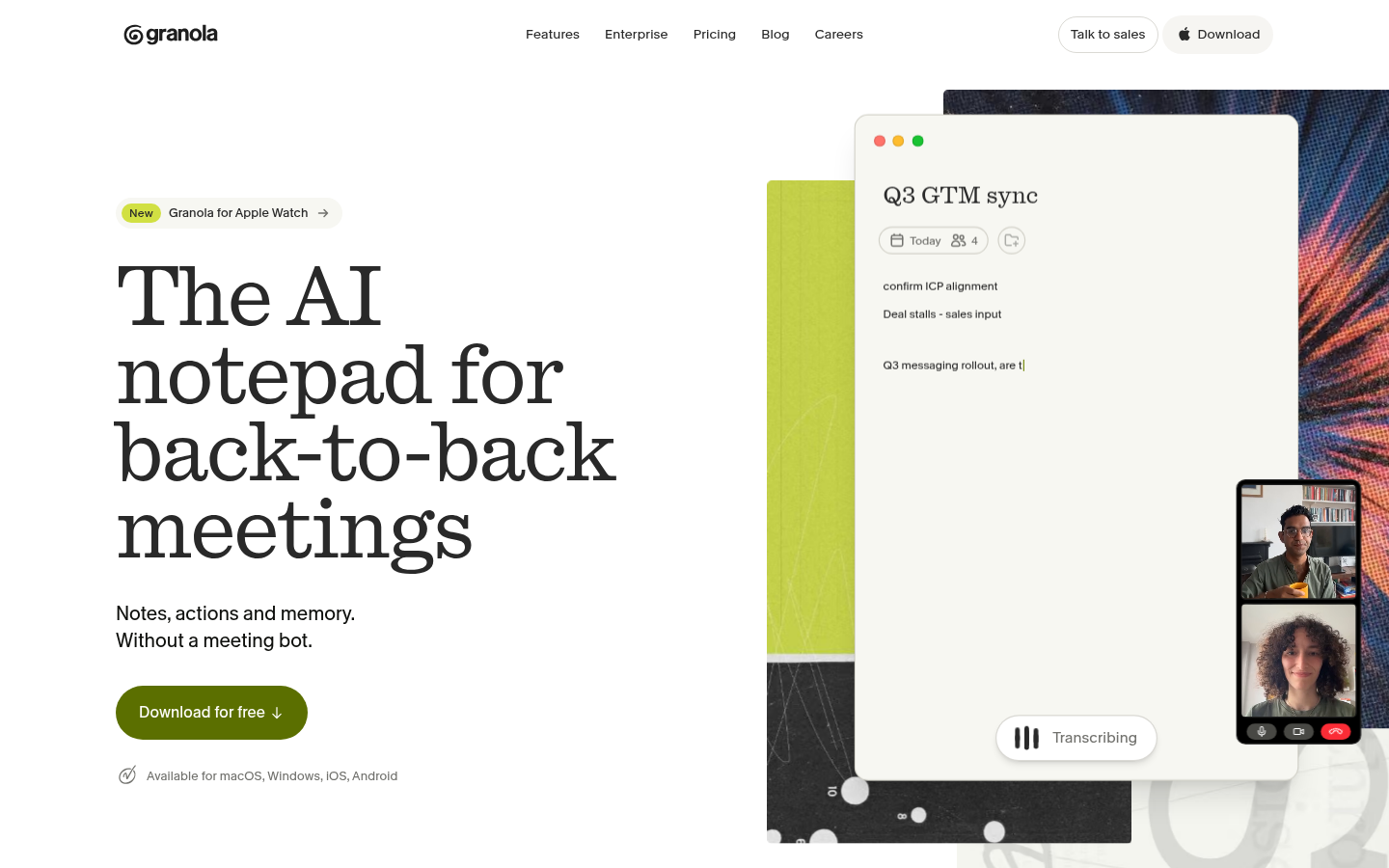
Granola
- Bot-free capture from device audio means nobody sees a recorder join the call
- Your own shorthand is merged with the transcript, so the note reads in your voice
- Audio is deleted after transcription and the company is SOC 2 Type II certified
- Free plan keeps only 30 days of meeting history, and integrations with Notion or HubSpot start at the $14 Business tier
- No stored audio or video playback, so you cannot replay the exact moment a quote was said
The best-liked note quality here, at the cost of replay and team analytics.
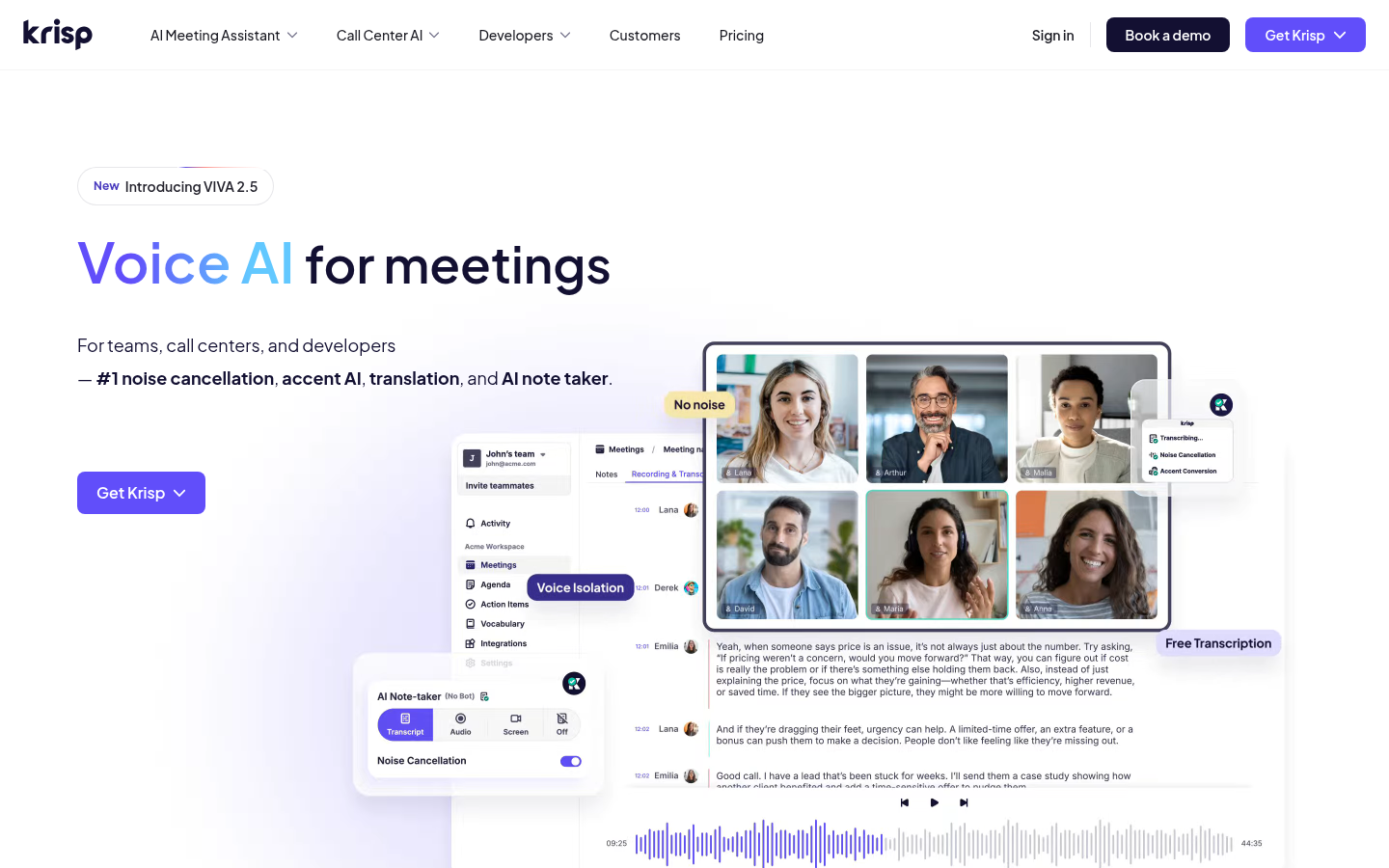
Krisp
- Noise cancellation sits underneath every plan, so the transcript starts from cleaner audio
- Bot-free note-taker covers both online and in-person meetings from the Core plan
- Advanced plan adds private on-device transcription and recordings for sensitive material
- No permanent free tier on the pricing page, only a 7-day trial before the paid Core plan
- Transcripts and summaries cover 16+ languages, well short of the widest options in this list
Choose it when the room is the problem, not the note template.
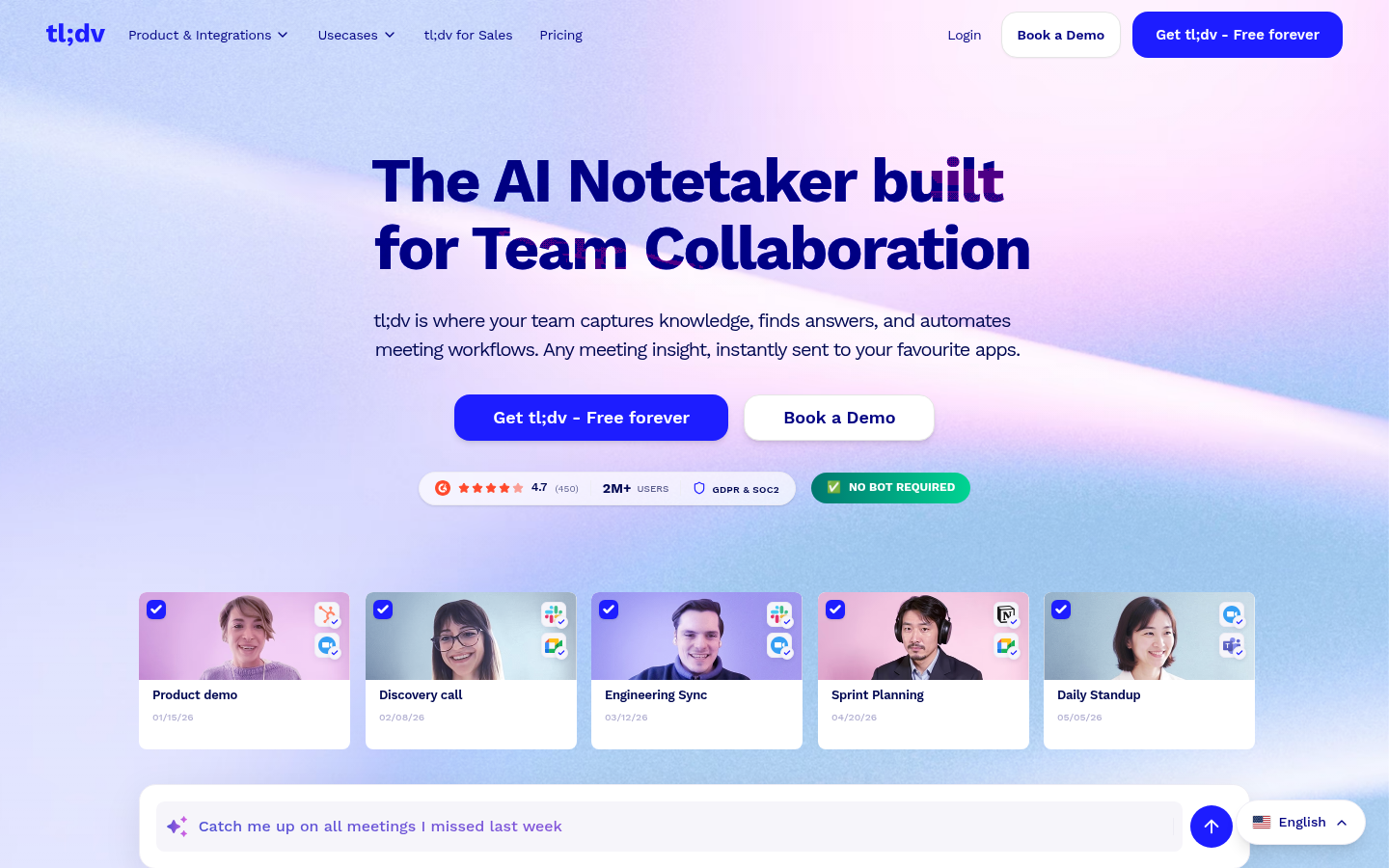
tl;dv
- Free plan gives unlimited recordings and transcription in 30+ languages
- Multi-meeting Ask AI lets you query a whole run of interviews, not one call at a time
- Pushes notes and action items to Slack, Notion, and HubSpot, with a 4.7 G2 rating across 450 reviews
- Free plan includes AI notes for only a handful of meetings, and unlimited AI notes start at the $18 Pro tier
- Free and Pro limit cross-meeting questions to five, with unlimited queries reserved for Business
The cheapest way to keep a searchable library of calls, with limits worth reading first.
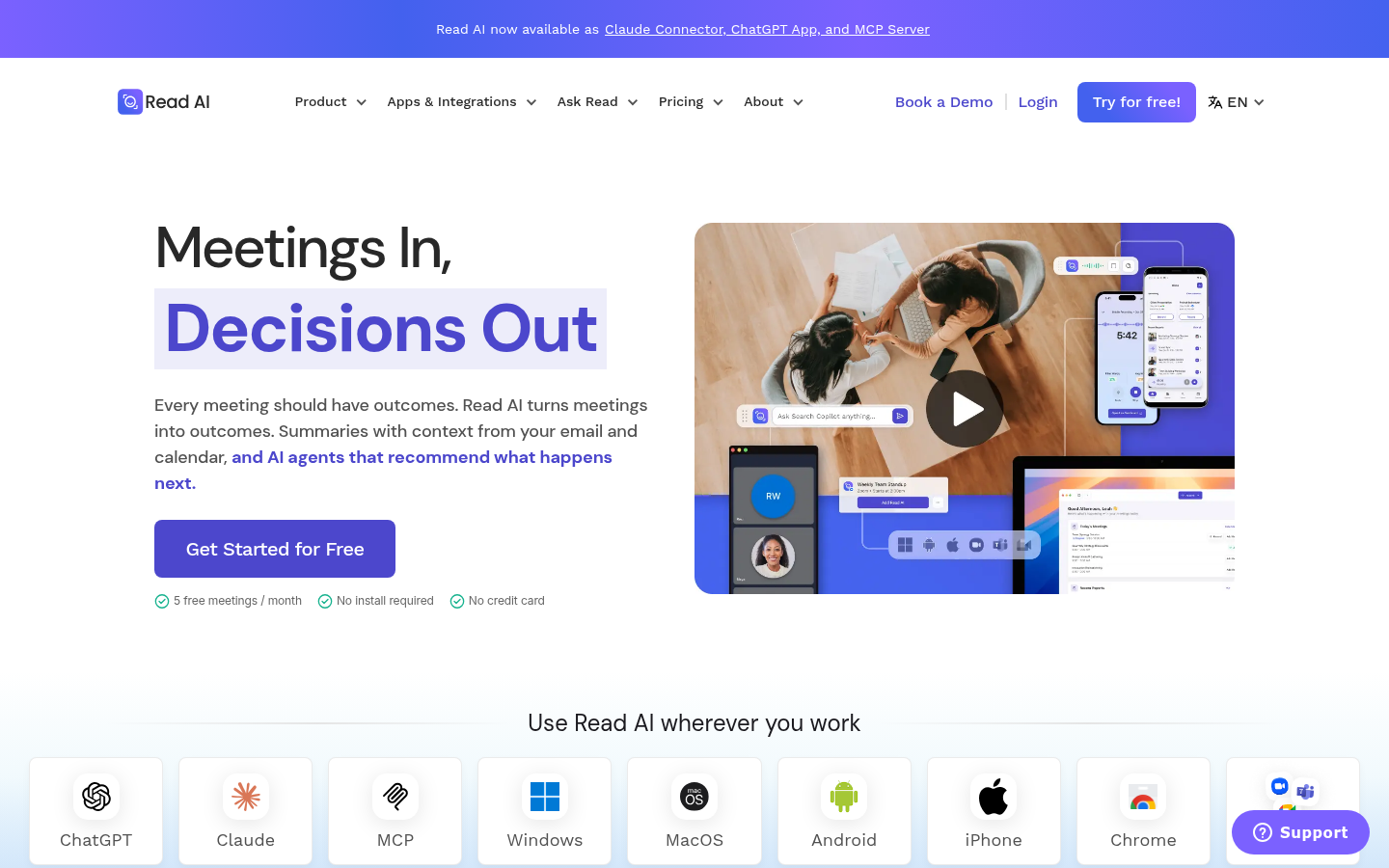
Read AI
- Summaries draw on email and calendar context, not only the recorded call
- Unlimited enterprise search on the free plan, with Claude, ChatGPT, and MCP connectors
- Engagement and talk-time metrics help with workshop facilitation and feedback sessions
- Free plan covers only 5 meeting transcripts a month, and the lowest paid tier starts at $15 a month billed annually
- Rated 4.0 on G2 across 43 reviews, the lowest score in this group, with sentiment scoring that can feel intrusive
Useful when work lives in several channels, heavier than a single-purpose notetaker.
Verdict
No single tool wins every situation. TicNote earns the pick for interviews and lectures because it covers the room (hardware), the call (extension), and the written output (sourced reports) in one place. Granola is the better choice if you like typing your own notes, Krisp if the audio itself is poor, tl;dv if a free searchable archive matters most, and Read AI if your context is spread across inboxes and chats. If you never leave scheduled Zoom calls, any of them still beats a 30-minute cap.
How we tested
We started from each vendor's own pricing and product pages, read between 7 and 10 October 2026, and noted every limit stated there: free-tier caps, bot or bot-free capture, language counts, and in-person support. For reputation we cited the G2 figures visible at that date (Granola 4.7, tl;dv 4.7 from 450 reviews, Krisp 4.7 across its seller page, Read AI 4.0 from 43 reviews) and treated small samples with caution. TicNote has no comparable rating base, so its score reflects documented capability, not popularity. We took a homepage screenshot of each product and did not run a controlled accuracy benchmark, so none of the scores below rank raw transcription accuracy. Scores run from 0 to 5 and weigh fit for the use case named on each card.