Fireflies Alternatives for Interviews and Research (2026)
Summary
Fireflies alternatives look different when your source is an interview, a seminar or a field recording rather than a sales call. We compared published plans, limits and exports for TicNote, Otter, Fathom, Notta and Granola. TicNote is our pick for recorded conversations that must become sourced notes, Fathom has the most generous free plan, and Granola deletes audio after transcription. Figures come from vendor pages read in November 2026.
Fireflies alternatives are easier to rank once you decide how your source reaches you. For interviews and field recordings, TicNote is our pick: recorders for the room, a Chrome extension for calls, and sourced notes afterward. Fathom has the best free plan for live calls, Otter suits live captions, Notta covers the most languages, and Granola suits people who type while listening. Fireflies itself remains strong for teams.
Why a researcher outgrows Fireflies
Fireflies is built for the meeting that repeats every week. A bot joins the call, sends a summary to a Slack channel, and pushes action items into a CRM. That design makes sense for a sales team. It makes less sense for a doctoral student with forty interviews recorded on a phone, or a journalist who needs one exact sentence and the minute it was spoken.
Three frictions come up again and again. The free plan stores 400 minutes per team and gives 20 AI credits, so a batch of interviews fills it quickly. Paid plans are priced per seat, and the useful extras sit on the Business tier at $19 per seat per month on annual billing. And the notetaker bot is visible, which changes how a participant talks about a sensitive subject.
None of this makes Fireflies a poor product. Its homepage shows a 4.8 out of 5 G2 rating, it lists transcription in 100+ languages, and it accepts uploaded files on the free plan. The question is narrower: which alternative fits a person whose spoken sources become written evidence?
Recordings you already have: who accepts the file
Many interviews are not calls at all. They are audio files from a phone, a recorder or a lecture hall. For that situation the import policy matters more than any summary feature.
Notta is the most open here, with 50 uploads a month on Free, 100 on Pro and 200 on Business. Otter is stricter: 3 lifetime imports on Free, 10 a month on Pro, unlimited on Business. TicNote advertises unlimited audio and document import for a limited time, with a 100 MB file ceiling on Free. Fireflies accepts uploads on every plan. Fathom and Granola list no file import on their pricing pages, which tells you what they were designed for: live meetings.
If most of your material is already recorded, that single row of the table removes two candidates.
Bot or no bot changes the data
A visible bot is a consent mechanism and a social signal at once. Some interviewees relax once they see a clear notice. Others edit themselves. You will not know which happened.
Fathom lets you choose between bot and bot-free capture, though bot-free is a beta feature on Mac. Granola captures device audio with no bot, and its pricing page lists an option to tell participants you are using it. TicNote records through a Chrome extension or a dedicated device. Otter and Notta join calls as a participant. Fireflies does too, with a Chrome extension as an alternative route.
Whatever you choose, ask for permission first. Rules differ by country, and a short consent line at the start of a recording costs nothing.
The limits that bite on a free plan
Free tiers are where the real differences hide, because a researcher often starts there. Notta's free plan allows only 3 minutes per conversation and 10 AI summaries a month, so it works as a trial, not as a workspace. Otter stops each conversation at 30 minutes and keeps the 25 most recent. TicNote caps web recordings at 30 minutes and gives 300 transcription minutes. Granola keeps 30 days of history.
Fathom is the outlier. Recordings, transcripts, instant summaries, clips and downloads are unlimited on the free plan. The cost is that the product is built around Zoom, Meet and Teams calls, so it answers a different question from the one a field researcher asks.
Quoting a transcript: timestamps, speakers, exports
A transcript is only useful as evidence if you can trace a sentence to a speaker and a moment, and check it against the audio. Three details decide that.
First, speaker labels. Otter offers speaker identification by name and synchronized word highlighting on playback. Notta and Granola both support speaker tagging. Second, exports. Otter adds pdf, docx and srt from Pro. Fireflies lets you download transcripts and recordings from Pro. TicNote Web exports to Notion and Obsidian, which suits a notes system you already run. Third, the audio itself.
Granola deletes audio after transcription, and that is the point where we would pause. A summary you cannot check against a recording is a secondhand source. For a literature review or an interview study, we would keep the audio somewhere else if we used it.
Which one to pick
If your material is in-person conversations that need to end up as organised notes, TicNote fits best, with the caveats on its free web recorder and its unpublished cloud prices. If your work is scheduled calls and cost matters most, start with Fathom. If you need live captions, Otter. If your interviews are in several languages, look at Notta from Pro up. If you think by typing, Granola.
Each of these tools gives you a transcript. What you do with it is the harder part, and it is where a reading method counts for more than the recorder.
At-a-glance
| TicNote | Otter.ai | Fathom | Notta | Granola | |
|---|---|---|---|---|---|
| Starting price | Free (300 min/mo); paid tiers priced at sign-up | Free (300 min/mo); Pro $8.33/mo billed annually ($16.99 monthly) | Free forever; Premium $16/mo billed annually ($20 monthly) | Free (120 min/mo); Pro $8.17/mo billed annually | Free (30-day history); Business $14/user/mo |
| How it captures audio | Chrome extension and web recorder, plus watch, pocket recorder and earbud-style devices | Joins Zoom, Teams and Meet; live transcription in the mobile and desktop apps | Bot or bot-free capture (bot-free is in beta on Mac) for Zoom, Meet and Teams | Joins Zoom, Meet, Teams and Webex; Chrome extension; Memo Pro recorder on preorder | Bot-free device-audio capture on desktop; iOS, Android and Apple Watch apps |
| Pre-recorded interviews (file import) | Audio and document import, unlimited for a limited time; 100 MB per file on Free | 3 lifetime imports on Free; 10 per month on Pro; unlimited on Business | No file import listed on the pricing page; built around live calls | 50 uploads per month on Free, 100 on Pro, 200 on Business | No file import listed on the pricing page; built around live meetings |
| Language coverage | Transcription and translation on every plan; language list not published on the pricing page | AI transcription in English, Spanish, French, German, Japanese and Chinese | Not stated on the pricing page | 58 languages on the homepage; translation add-ons from $6/mo billed annually | Multi-language support on every plan; list not published on the pricing page |
| Exports for quoting | TicNote Web exports to Notion and Obsidian | mp3 and txt on Free; pdf, docx and srt added from Pro | Unlimited call downloads and clips on every plan | Transcript export starts at Pro | Slack on Free; Notion, Zapier, HubSpot and API access from Business |
| What the free tier caps | 300 transcription minutes, 30 document summaries, 30-minute web recordings | 20 AI Chat queries a month, 30 minutes per conversation, 25 conversations kept | Recordings and transcripts are unlimited; Ask Fathom across all calls is limited | 10 AI summaries a month and 3 minutes per conversation | 30 days of meeting history; cross-meeting AI chat on the automatic model only |
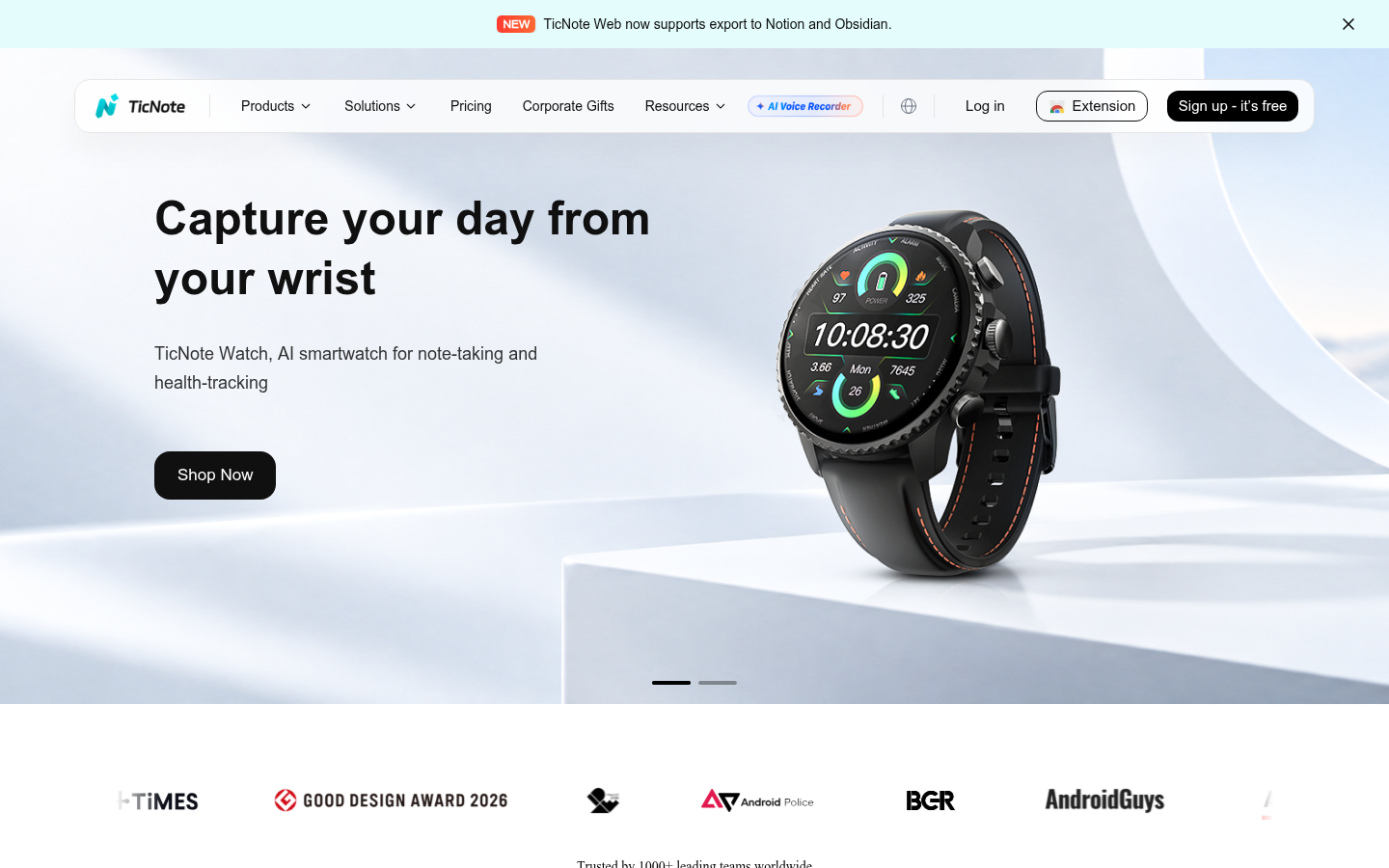
TicNote
- Recorders, a watch and earbud-style pods capture a room, and each device includes 600 free transcription minutes a month
- Chrome extension records remote calls, and TicNote Web exports to Notion and Obsidian
- Projects keep recordings and documents together, with summaries, mind maps and translation on every plan
- The free plan caps web recordings at 30 minutes and 300 transcription minutes per month
- The pricing page shows no dollar figures for paid cloud plans, so the cost is only visible at sign-up
- Advanced agent tasks draw on a separate Shadow Credits balance that expires each cycle
Our pick when the source is a conversation you recorded yourself, with the limits above.
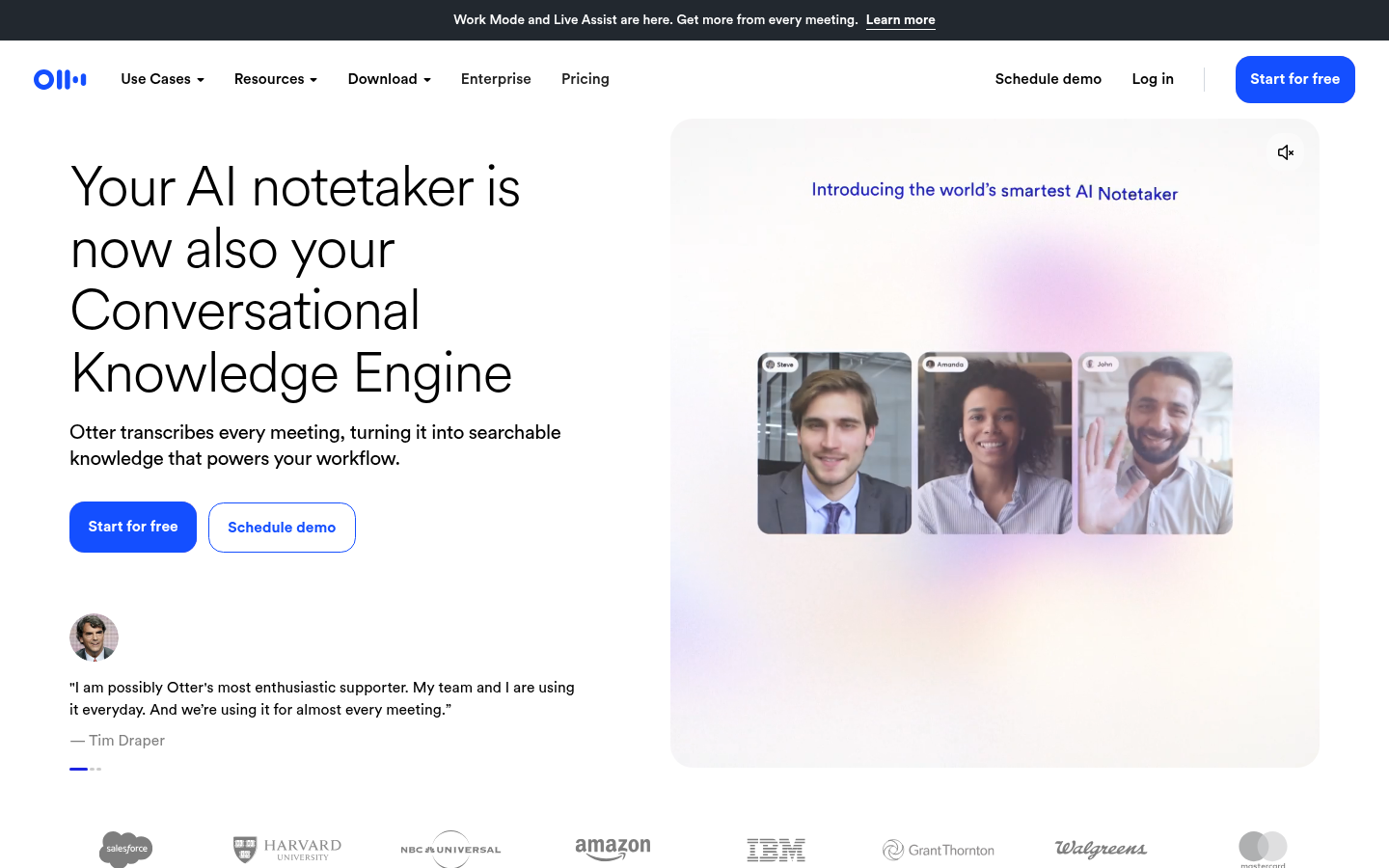
Otter.ai
- Live transcription with speaker identification and synchronized word highlighting on playback
- pdf, docx and srt exports from Pro, with editable time codes
- A 20 percent .edu discount brings Pro annual to $6.67 a month for students and teachers
- The free plan stops each conversation at 30 minutes and allows 3 lifetime file imports
- AI transcription covers six languages, far fewer than Fireflies lists
- AI Chat is capped per user at 20 queries on Free, 50 on Pro and 200 on Business
The safe default for live captions, tight on the free tier.
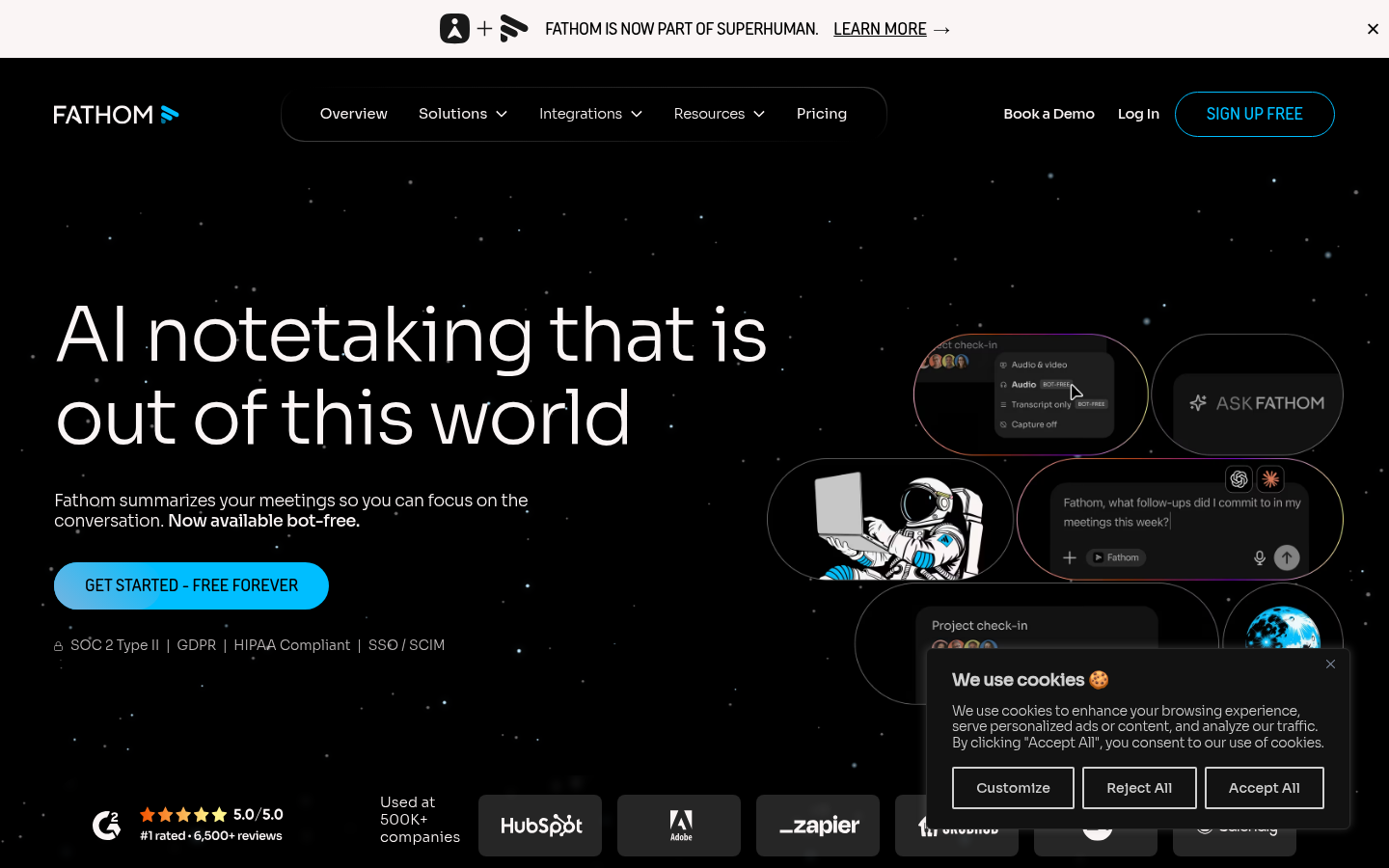
Fathom
- Unlimited recordings, transcription, instant AI summaries, clips and downloads on the free plan
- Choice of bot or bot-free capture, which changes the tone of a sensitive call
- Paid plans carry a 90-day guarantee and start at $15 per user per month on annual billing for teams
- Bot-free capture is a beta feature on Mac, so it is not yet dependable everywhere
- The pricing page lists no file import, which matters for interviews recorded on a phone
- Ask Fathom across all calls is limited on the free plan and the language list is not stated
The most generous free plan here, aimed squarely at live calls.
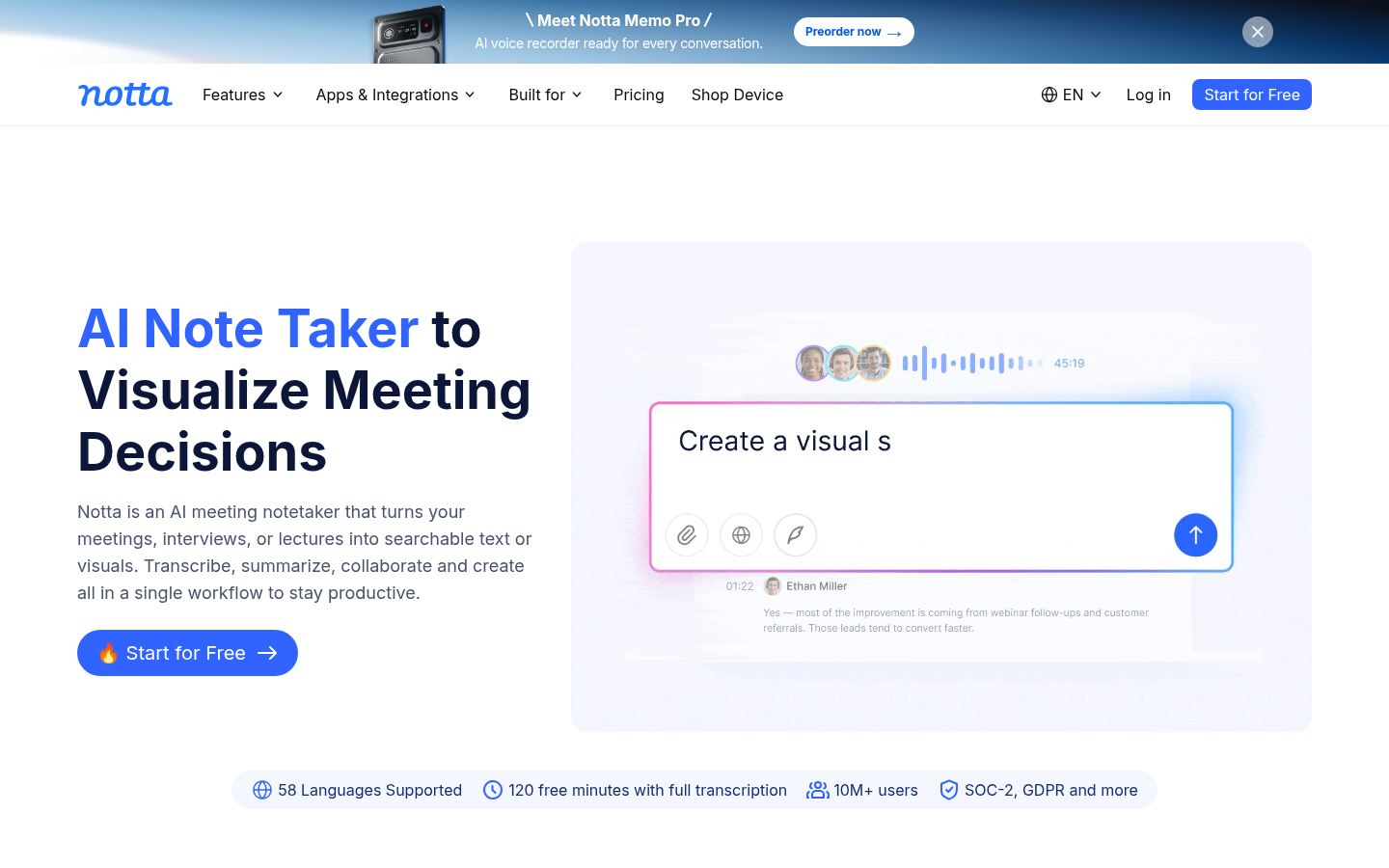
Notta
- 58 languages advertised on the homepage, with transcript translation on paid plans
- Pro at $8.17 a month on annual billing includes 1,800 minutes and recordings up to 5 hours
- 50% education discount and 50 file uploads a month even on the free plan
- The free plan limits each conversation to 3 minutes and shows only the first 3 minutes after a downgrade
- Bilingual transcription and monolingual translation are paid add-ons on top of the subscription
- Free users get 10 AI summaries a month, which runs out fast across a batch of interviews
Good value from Pro up, close to unusable on the free plan.
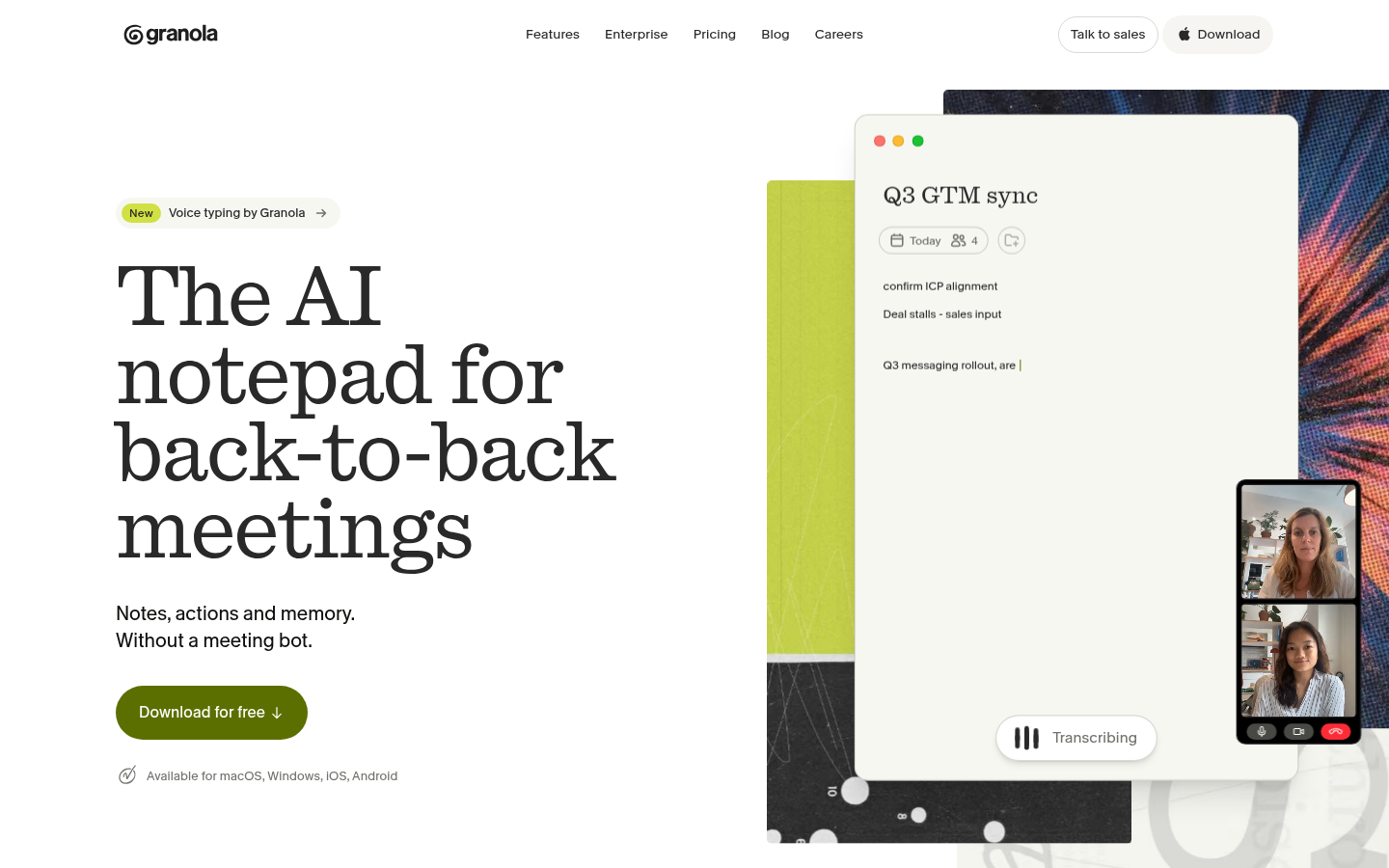
Granola
- Bot-free capture from device audio, so nobody sees a visible recorder join the call
- Merges your own shorthand with the transcript, with speaker tagging and custom templates on the free plan
- SOC 2 Type II certified, with per-user opt-out of model training
- Audio is deleted after transcription, so you cannot replay a quote to check it
- The free plan keeps only 30 days of meeting history and no file import is listed
- Granola trains on anonymized data unless each user opts out in settings
Elegant for live meetings, a poor fit when you must verify a quotation.
Verdict
Fireflies is a capable team tool, and it is also the wrong shape for a lone researcher. TicNote is our pick for interviews and field recordings, Fathom for free Zoom capture, Otter for live captions, Notta for languages, and Granola for people who type as they listen. Choose by how your source reaches you: a recording you made, a scheduled call, or a conversation you want to take notes on while it happens.
How we tested
We read each vendor's own pricing and product pages on 6 and 7 November 2026 and recorded every limit stated there: free-tier caps, capture method, file import, language count, exports and AI allowances. We did not run a controlled accuracy test, so no transcription accuracy claim appears here. Scores are on a 0 to 5 scale and reflect fit for one job, turning spoken sources into notes you can quote and verify, not general popularity. Where a figure was not published, such as dollar prices for TicNote's cloud plans or Fathom's language list, we say so instead of guessing. The only third-party rating cited is the 4.8 out of 5 G2 figure that Fireflies displays on its own homepage. TicNote is an affiliate partner of this site, so its score was held to the same published-limits standard as the others, and its two weakest points are stated plainly.