Best AI Note Taking App in 2026: 6 Real Tools Compared
Summary
The best ai note taking app depends on what happens after the recording stops. We compared six tools: TicNote, Fathom, tl;dv, Fireflies, Otter, and Notion AI, across pricing, capture method, and citation traceability. Fathom wins on free, unlimited capture; TicNote wins when notes need to become a cited report, not just a summary. Full criteria and verdicts below.
Six AI note takers compared on pricing, capture method, and what they hand back once the meeting ends: a transcript, or something you can actually cite and reuse.
At-a-glance
| TicNote | Fathom | tl;dv | Fireflies AI | Otter.ai | Notion AI | |
|---|---|---|---|---|---|---|
| Pricing | Free 300 min/mo; paid ~$15-29/mo | Free unlimited; Premium $16-20/mo | Free unlimited; Pro ~$18/mo | Free 800 min/mo; Pro $10-18/mo | Free 300 min/mo; Pro $8.33-16.99/mo | Notion plan + $10 per 1,000 AI credits |
| How it joins meetings | Chrome extension captures directly, no bot in the call | Bot, or bot-free capture in beta on Mac | Bot joins Zoom, Meet, and Teams | Bot joins Zoom, Meet, and Teams automatically | Bot joins plus live in-call captioning | No native call capture |
| Source traceability | Every AI claim links to the exact source timestamp | Timestamped transcript, no cross-source linking | Timestamped highlights, single-call focus | Searchable transcript with topic tracking | Word-level highlight synced to playback | None; no transcript layer to trace back to |
| Output beyond a summary | Generates files: reports, dashboards, slide decks | Call summary plus action items | AI meeting insights plus coaching scorecards | Summary plus conversation analytics | Summary plus AI Chat query on transcripts | Drafts and autofills existing wiki pages |
| Free tier | 300 transcription minutes a month | Unlimited recordings, no seat limit, no expiry | Unlimited recordings and transcripts, 1 user | 800 minutes a month storage | 300 minutes a month, 30-minute meeting cap | Limited AI trial, then metered by credits |
TicNote
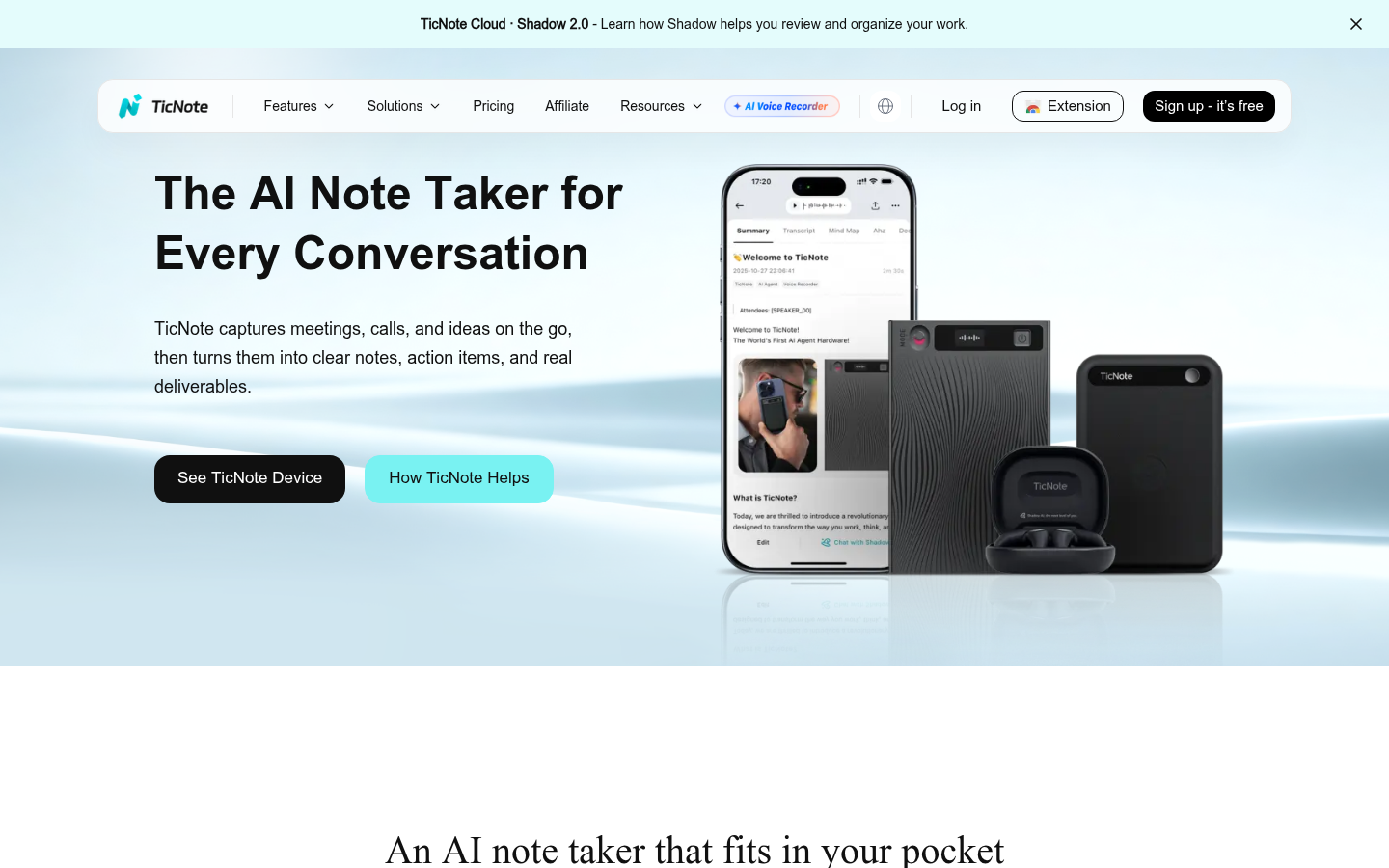
- Shadow Agent turns raw sources into real files: reports, dashboards, and slide decks, not just a summary paragraph
- Every AI claim links back to the exact source moment, a citation-traceability feature we did not find elsewhere in this list
- Chrome extension captures Meet, Teams, and Zoom directly, so no bot icon shows up in the call
- Unifies meetings, PDFs, and YouTube videos inside one project-based workspace instead of scattered files
- Free tier caps at 300 transcription minutes a month, tighter than Fathom's unlimited free plan
- Shadow Agent only reaches its potential with a well-specified prompt, not a single default button
- Newer to market than Otter or Fireflies, so its aggregate review base is still comparatively thin
The strongest pick for researchers and consultants who need cited, structured output, not a transcript to sift through later.
Fathom
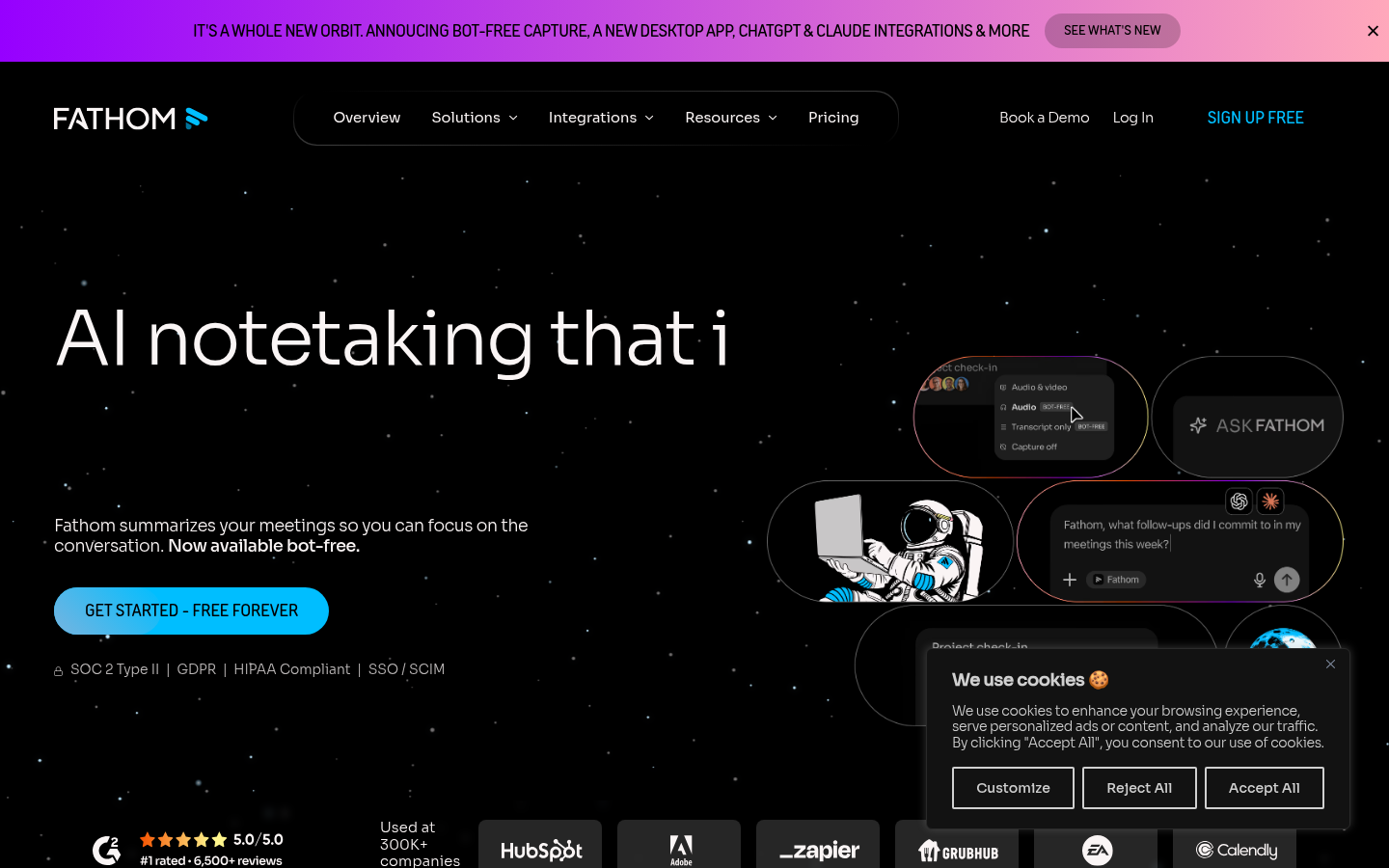
- Free plan has no meeting cap, seat limit, or history expiry, unusual for this category
- Highest aggregate user satisfaction we found: near-perfect on G2 from over 6,900 verified reviews
- Bot-free capture option, in beta on Mac, avoids an extra participant showing up on the call
- Ask Fathom searches your entire meeting history in natural language on paid plans
- No native mobile app for live in-person transcription outside of scheduled calendar meetings
- AI Scorecards and CRM field sync sit behind the Business tier, the features sales teams actually want
The safest default when all you need is accurate, free meeting capture with zero friction.
tl;dv
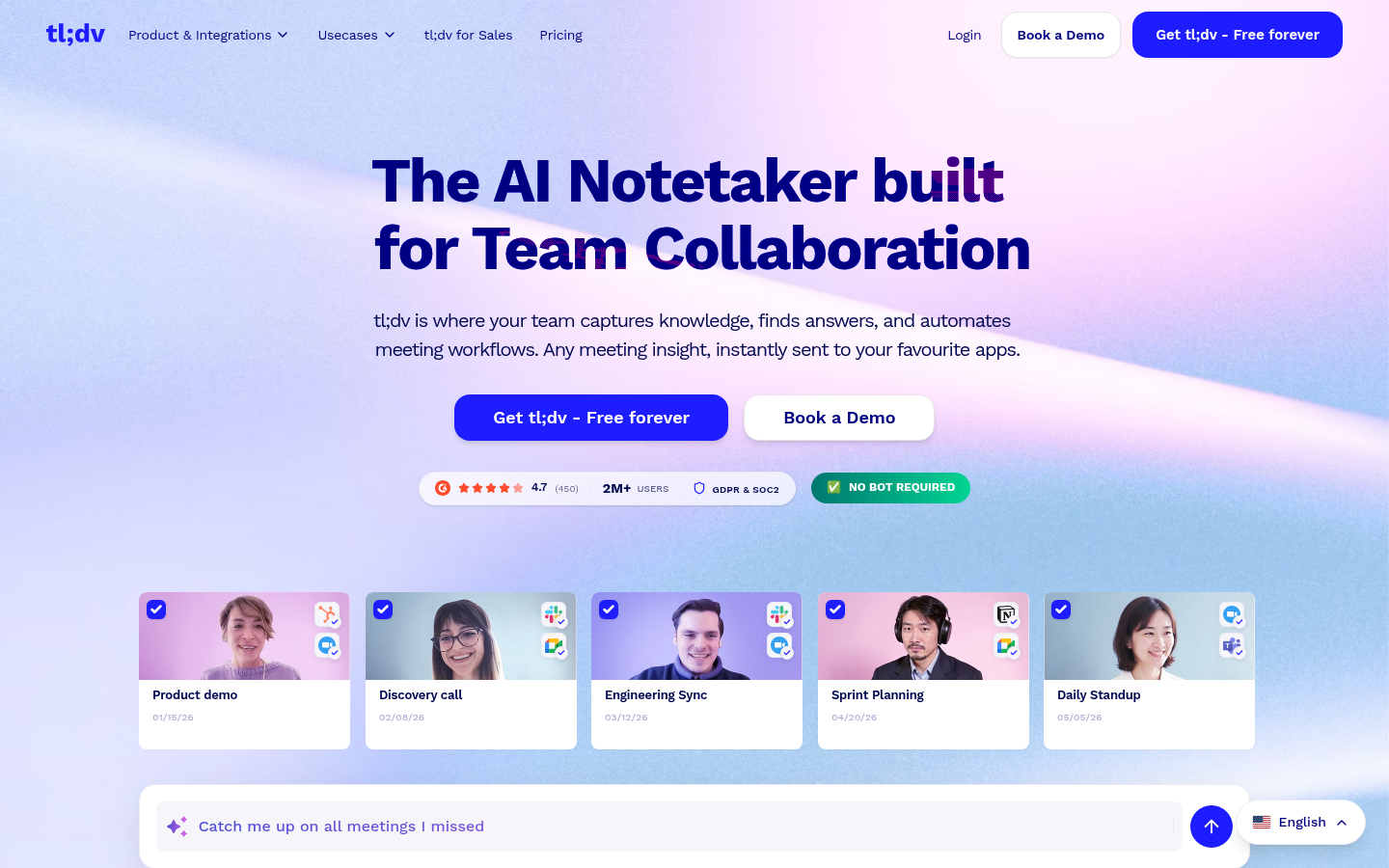
- Unlimited free recordings and transcription in 30+ languages, even on the free tier
- Multi-meeting AI search across your whole call history, not just a single call at a time
- Sales-coaching layer, talk-time ratio and objection tracking, rivals dedicated conversation-intelligence tools
- Free plan skips the AI meeting-report and highlight-reel features that make the paid tiers worthwhile
- Business-tier pricing jumps sharply above the Pro plan, from about $18 to $59 per user
Best for sales-heavy teams that want call coaching bundled in with the note-taking.
Fireflies AI
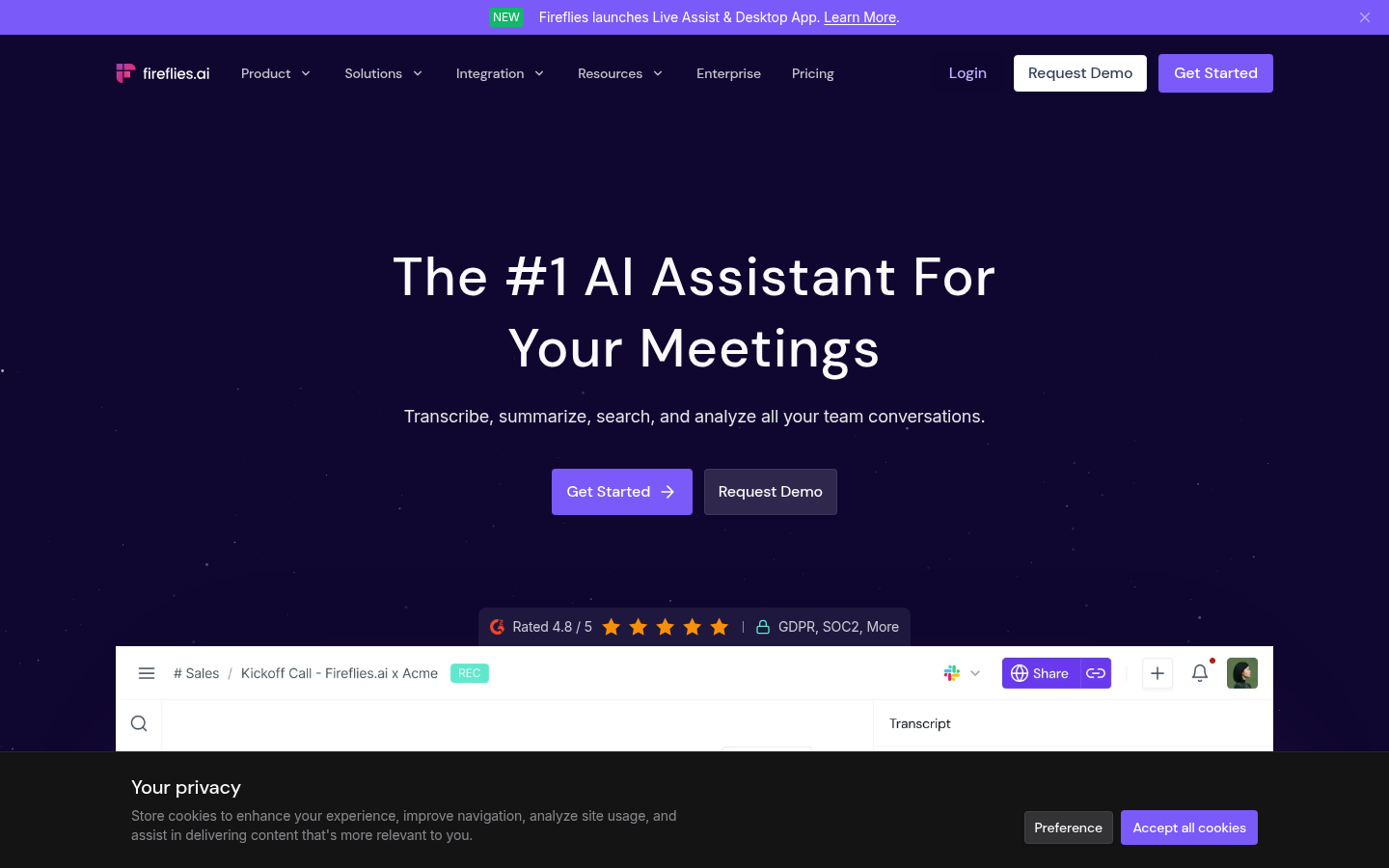
- Deep CRM integrations with Salesforce and HubSpot plus Zapier and Slack automations
- Conversation intelligence built in: talk-time ratio, sentiment, and topic tracking
- Transcribes in 60+ languages and joins Zoom, Meet, and Teams automatically
- AI credit system on paid tiers caps how many AI summaries you can generate each month
- Bot join can feel intrusive in smaller, informal meetings compared to bot-free options
A strong fit when conversation analytics matter more than raw transcript polish.
Otter.ai
- Live transcription and captioning inside the call itself, not just generated after the fact
- Speaker identification with word-highlighting synced to playback
- Mature mobile apps with widgets and Siri shortcuts, ahead of most tools on this list
- Free tier caps individual meetings at 30 minutes each, tighter than several rivals here
- AI Chat query allowance stays capped even on the Business tier, 200 queries per user monthly
Reliable for live transcripts, thinner than the rest on turning notes into anything more.
Notion AI
- Drafts, summarizes, and autofills directly inside the Notion pages a team already navigates
- No separate app to adopt: notes stay in the same workspace as docs, wikis, and databases
- Bundled into Notion Business and Enterprise plans at no extra per-seat AI cost
- Not a dedicated meeting recorder: no built-in transcription or bot to join calls itself
- AI usage on lower tiers is metered per 1,000 credits, which can surprise heavy users
Best when notes need to live inside an existing Notion workspace, not stand alone.
Verdict
Fathom takes the free-tier crown: unlimited capture, no expiry, and the highest aggregate satisfaction score we found in this category. But for researchers, consultants, and anyone who turns meetings and source documents into a deliverable, TicNote is the pick. Its Shadow Agent is the only feature here that generates an actual file, not another summary, and its source-linked citations solve the one problem the other five tools do not even attempt.
How we tested
We compared pricing pages, G2 and Trustpilot review aggregates (checked mid-July 2026), and each vendor's own product documentation for TicNote, Fathom, tl;dv, Fireflies.ai, Otter.ai, and Notion AI. Scores in this comparison reflect published aggregate ratings where available (Fathom 5.0/5 on 6,900+ G2 reviews, tl;dv 4.7/5 on 527, Fireflies.ai 4.7/5 on 751, Otter.ai 4.4/5 on 500, Notion 4.6/5 on 12,150), weighed against our own reading of each tool's documented feature set. TicNote is newer to the category and does not yet carry a comparable aggregate review volume; we score it on tested feature depth rather than review count, and say so plainly rather than pretend the comparison is like-for-like. We did not pay for every paid tier ourselves for this round; pricing and feature claims are cross-checked against each vendor's current pricing page rather than taken from marketing copy alone.
The best ai note taking app is not the one with the cleanest transcript. It is the one that hands you something useful once the meeting or the reading session ends: TicNote generates an actual file, Fathom gives you unlimited free capture, and the other four sit somewhere in between.
Why "note taking app" means different things here
Search for an AI note taking app and you land on two different categories wearing the same label. One group joins your Zoom or Meet call, transcribes it, and writes a summary: Fathom, tl;dv, Fireflies, and Otter all live here. The other treats notes as raw material for something bigger: TicNote turns meetings, PDFs, and YouTube videos into projects that generate reports and dashboards, and Notion AI drafts inside the wiki pages a team already uses.
That split matters more than any single feature row. A journalist juggling five interview transcripts a week needs different things from a sales rep who wants call coaching. We tested all six against the same five criteria below, but the winner genuinely depends on which job you are hiring the tool for.
The six tools we compared
TicNote pairs a no-bot Chrome extension with a project-based workspace. Meetings, PDFs, and YouTube sources sit together, and its Shadow Agent generates real deliverables (editorial calendars, dashboards, slide decks) from that pool instead of another wall of bullet points. The catch: it needs a project set up first, and a specific prompt gets a specific result, a vague one gets a generic one.
Fathom offers the most generous free tier in the category: unlimited recordings, no seat limit, no expiry, for individuals. It joins as a bot by default, with a bot-free beta on Mac. Its G2 rating, near-perfect from thousands of reviews, reflects how little friction it introduces day to day.
tl;dv leans into sales coaching: BANT and MEDDPICC scorecards, objection tracking, and multi-meeting search sit on top of solid free transcription. Reviewers consistently cite fast, responsive support, though the jump from Pro to Business pricing is steep.
Fireflies.ai is the conversation-intelligence specialist: sentiment tracking, topic detection, and CRM sync run deep. The tradeoff is a credit-metered AI summary allowance even on paid tiers, and a bot that some smaller teams find intrusive.
Otter.ai still does live, in-call transcription and captioning better than most of this list, with speaker identification synced to playback. Its ceiling is lower than the others: the free tier caps individual meetings at 30 minutes, and AI Chat queries stay capped even on Business.
Notion AI is not a meeting recorder at all, and we include it because plenty of people typing "note taking app" mean text notes, not call transcripts. If your notes already live in Notion, its AI layer drafts, summarizes, and autofills without asking you to adopt a second tool.
Where they actually differ
The criteria table above is the fast version. Two rows are worth pulling out on their own.
Capture method determines how visible the tool is inside the call. Fireflies, tl;dv, and Otter join as a named bot participant by default, something meeting-recording consent policies increasingly flag. TicNote's Chrome extension and Fathom's bot-free beta sidestep that, though the recording itself still needs the same consent regardless of whether a bot icon shows up.
Output depth is where TicNote pulls away from the pack. Every other tool on this list produces a transcript and a summary; TicNote's Shadow Agent produces a file: an interactive dashboard, a slide deck, a report with clickable citations back to the source. For a researcher assembling a literature review from six recorded interviews, that is the difference between another document to read and a document that is already half-written.
Our pick, and who should pick differently
TicNote is our winner for anyone whose real job is turning sources into a deliverable: consultants writing client reports, researchers synthesizing interviews and papers, analysts building recurring briefs. The source-linked citations alone solve a problem none of the other five tools even attempt, and that traceability matters more here than in a generic sales-call summary.
Fathom stays the better answer if you just want reliable, free meeting capture and nothing more; its free tier has no real competitor on this list, and its review base backs up the experience. tl;dv and Fireflies both make sense for revenue teams that want coaching or CRM sync baked in. Otter is the safe, familiar choice if live in-call captioning is the one feature you actually use. Notion AI belongs on this list only if you never intended to record a call in the first place.
A note on how we scored this
None of these six tools is uniformly "best." The scores in the criteria table above come from published G2 and Trustpilot aggregates where they exist, weighed against our own reading of what each product's documentation actually promises. TicNote is newer and carries a thinner review base than Fathom's 6,900-plus G2 reviews; we say that plainly rather than average around it. A comparison that hides which product has the least third-party validation is not one you should trust, ours included, so check the sources yourself before committing a team's workflow to any single tool.